Anna/@annalifeunedited
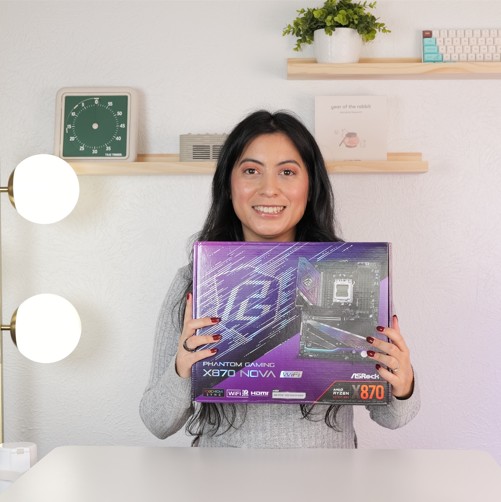
I have been into pc gaming for 15 years but this the first time I'm building a PC on my own
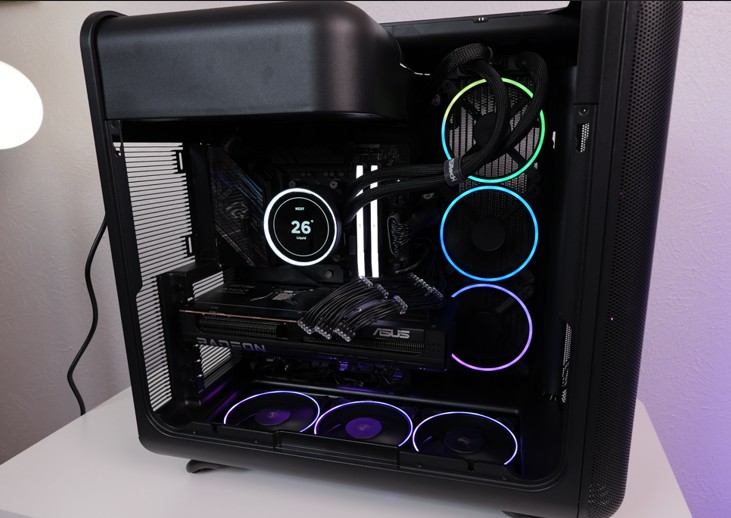 As a social media content creator diving into the world of PC building for the very first time, I wanted my journey to start with a foundation that felt both premium and approachable. I needed a machine that could dominate my favorite games after work while serving as a high performance workhorse for editing my social media content. The ASRock X870 Nova WiFi has turned my first building experience into a total win.
First off, can we talk about the look? The aesthetic is exactly what I was searching for. It features this stunning black and purple theme that looks incredibly high end through my tempered glass. The ARGB lighting isn't obnoxious; it’s sophisticated. It feels like a piece of professional tech that just happens to be gorgeous.
The Nova’s "EZ" features saved my sanity. My favorite part of the entire board is the M.2 Quick Release. ASRock has this toolless latch system. I just clicked my drives into place and snapped the heatsink back on. It made the scariest part of the build feel like playing with Legos.
Speaking of drives, the storage capacity on this board is a content creator’s dream. It supports up to two Gen 5 NVMe slots along with three other M.2 slots. I have my primary Gen 5 drive loaded with my OS and my current editing projects. When I’m moving 4K source footage or scrubbing through a timeline, the speed is mind blowing. No more "loading" bars or stuttering while I’m trying to hit a deadline for a Reel. Knowing I have five M.2 slots in total means I can keep adding storage as my library grows without ever needing to open a messy external enclosure.
The build quality also gave me so much peace of mind. The PCIe 5.0 slot is steel reinforced, which is great because my GPU is massive and I was afraid of "GPU sag." It feels rock solid. There’s also an EZ Release button for the graphics card slot, which was a lifesaver when I realized I needed to reroute a cable underneath it after the card was already installed. One press, and it popped right out, no fighting with a plastic latch in a tight space.
With WiFi 7 for lightning fast internet, this board feels like it was made for someone who takes their hobbies seriously. I may be a first time builder, but the X870 Nova made me feel like an expert. It’s the perfect blend of "tech powerhouse" and "user friendly design," wrapped in a beautiful black and purple package. I am officially an ASRock fan for life!
As a social media content creator diving into the world of PC building for the very first time, I wanted my journey to start with a foundation that felt both premium and approachable. I needed a machine that could dominate my favorite games after work while serving as a high performance workhorse for editing my social media content. The ASRock X870 Nova WiFi has turned my first building experience into a total win.
First off, can we talk about the look? The aesthetic is exactly what I was searching for. It features this stunning black and purple theme that looks incredibly high end through my tempered glass. The ARGB lighting isn't obnoxious; it’s sophisticated. It feels like a piece of professional tech that just happens to be gorgeous.
The Nova’s "EZ" features saved my sanity. My favorite part of the entire board is the M.2 Quick Release. ASRock has this toolless latch system. I just clicked my drives into place and snapped the heatsink back on. It made the scariest part of the build feel like playing with Legos.
Speaking of drives, the storage capacity on this board is a content creator’s dream. It supports up to two Gen 5 NVMe slots along with three other M.2 slots. I have my primary Gen 5 drive loaded with my OS and my current editing projects. When I’m moving 4K source footage or scrubbing through a timeline, the speed is mind blowing. No more "loading" bars or stuttering while I’m trying to hit a deadline for a Reel. Knowing I have five M.2 slots in total means I can keep adding storage as my library grows without ever needing to open a messy external enclosure.
The build quality also gave me so much peace of mind. The PCIe 5.0 slot is steel reinforced, which is great because my GPU is massive and I was afraid of "GPU sag." It feels rock solid. There’s also an EZ Release button for the graphics card slot, which was a lifesaver when I realized I needed to reroute a cable underneath it after the card was already installed. One press, and it popped right out, no fighting with a plastic latch in a tight space.
With WiFi 7 for lightning fast internet, this board feels like it was made for someone who takes their hobbies seriously. I may be a first time builder, but the X870 Nova made me feel like an expert. It’s the perfect blend of "tech powerhouse" and "user friendly design," wrapped in a beautiful black and purple package. I am officially an ASRock fan for life!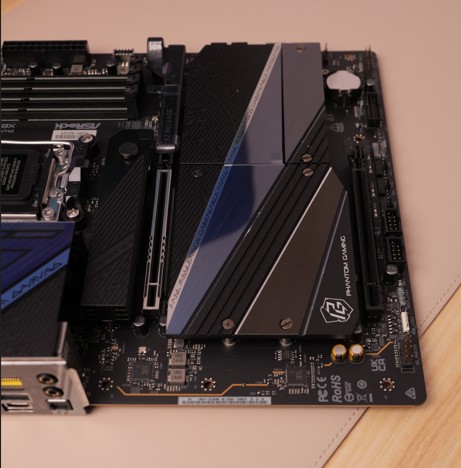
2025-12-29
EZ Release button
2025-12-29
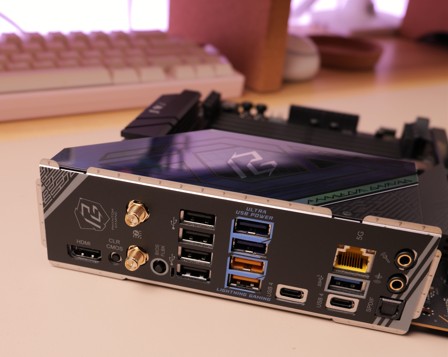
the ports!
2025-12-29
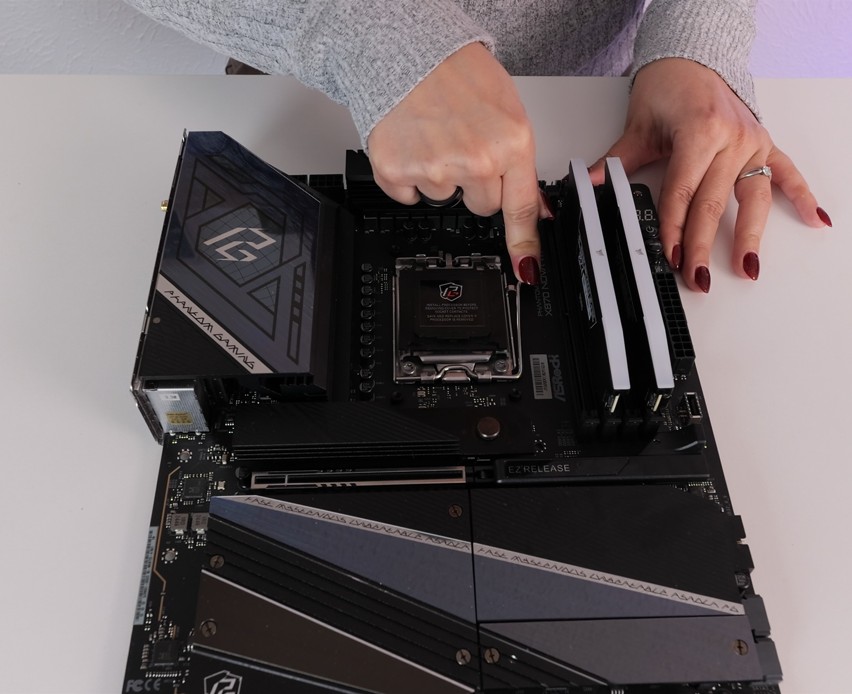
Easy to build :)
2025-12-29
Happy with my new motherboard
Casey
8-year custom loop & PC modding addict on a shoestring budget. Can't buy flagship parts, but I'll damn sure make it look like a million bucks.
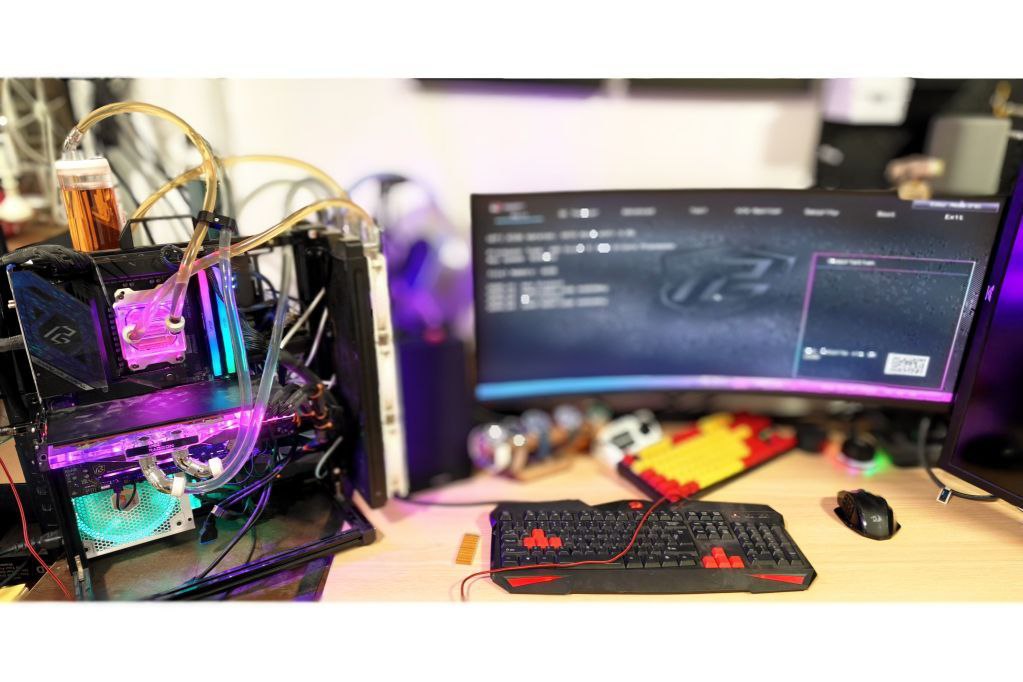
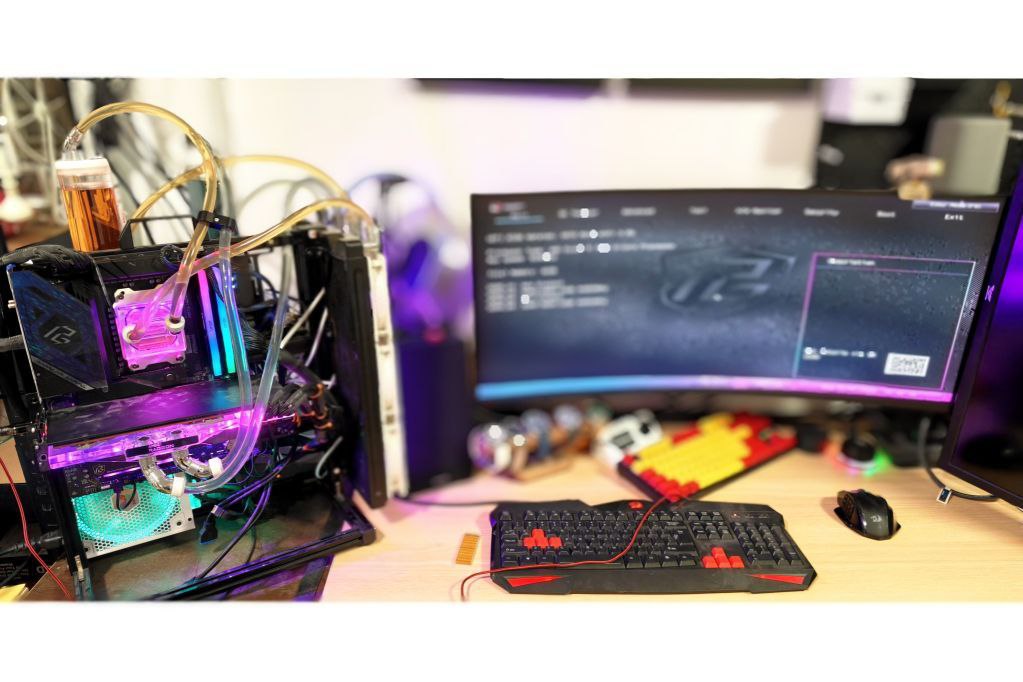 I couldn’t be happier with the ASRock Phantom Gaming X870 Nova WiFi. As someone running a full custom water-cooling loop with separate pumps for CPU and GPU, plus a heavy waterblocked RX 6800 XT, this board feels like it was designed specifically for people like me.
First off, the five M.2 slots are a game-changer. Two of them support PCIe 5.0, and the oversized heatsinks keep even my fastest drives cool without throttling. I love the toolless EZ latch on the primary slot—it makes swapping or adding drives during loop maintenance so much easier, especially when I’m rerouting tubes and don’t want to fight with tiny screws.
Speaking of heavy components, the steel-reinforced PCIe 5.0 x16 slot gives me total peace of mind. My GPU with its full-cover water block is seriously heavy, but there’s zero sag, and the rigidity feels rock-solid. The EZ Release button is pure genius—draining the loop or removing the card for cleaning used to be a pain, but now I just press the lever and it pops right out. No more stressing the slot or fighting the latch.
What really sold me though, is the pump header situation. This board has multiple high-amperage 4-pin headers (including dedicated AIO_PUMP and W_PUMP pins rated up to 3A each), so I can finally run my CPU and GPU pumps on completely separate connectors. No more daisy-chaining or splitter cables! In the BIOS, I set individual PWM curves for each pump based on coolant temperature (using the onboard thermistor headers), so I can dial in perfect flow rates and keep noise down exactly how I want it.
Other little touches that make life easier as a custom loop builder: the beefy VRM heatsinks stay ice-cold even when I push PBO, the onboard power and reset buttons are clutch for open-bench leak testing, and the debug LED has saved me hours troubleshooting. The purple Phantom Gaming aesthetics also look killer through my clear side panel.
Fortunately I have managed to win the board and it is hands-down the best mid-range board I’ve used for water cooling. Hopefully, I will have the chance to get my hands on more ASRock awesome wares!
I couldn’t be happier with the ASRock Phantom Gaming X870 Nova WiFi. As someone running a full custom water-cooling loop with separate pumps for CPU and GPU, plus a heavy waterblocked RX 6800 XT, this board feels like it was designed specifically for people like me.
First off, the five M.2 slots are a game-changer. Two of them support PCIe 5.0, and the oversized heatsinks keep even my fastest drives cool without throttling. I love the toolless EZ latch on the primary slot—it makes swapping or adding drives during loop maintenance so much easier, especially when I’m rerouting tubes and don’t want to fight with tiny screws.
Speaking of heavy components, the steel-reinforced PCIe 5.0 x16 slot gives me total peace of mind. My GPU with its full-cover water block is seriously heavy, but there’s zero sag, and the rigidity feels rock-solid. The EZ Release button is pure genius—draining the loop or removing the card for cleaning used to be a pain, but now I just press the lever and it pops right out. No more stressing the slot or fighting the latch.
What really sold me though, is the pump header situation. This board has multiple high-amperage 4-pin headers (including dedicated AIO_PUMP and W_PUMP pins rated up to 3A each), so I can finally run my CPU and GPU pumps on completely separate connectors. No more daisy-chaining or splitter cables! In the BIOS, I set individual PWM curves for each pump based on coolant temperature (using the onboard thermistor headers), so I can dial in perfect flow rates and keep noise down exactly how I want it.
Other little touches that make life easier as a custom loop builder: the beefy VRM heatsinks stay ice-cold even when I push PBO, the onboard power and reset buttons are clutch for open-bench leak testing, and the debug LED has saved me hours troubleshooting. The purple Phantom Gaming aesthetics also look killer through my clear side panel.
Fortunately I have managed to win the board and it is hands-down the best mid-range board I’ve used for water cooling. Hopefully, I will have the chance to get my hands on more ASRock awesome wares!
2025-12-11
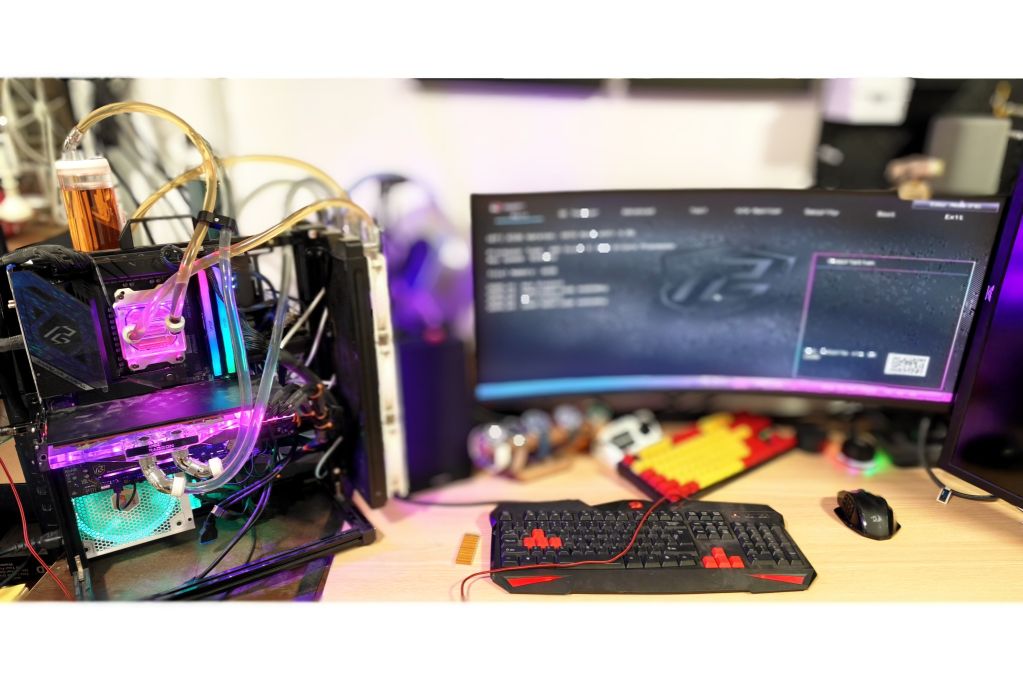
Built completed 🥰 Ready to dive in?

2025-12-11
Messy? All because board can hold so much! 🐋
2025-12-11
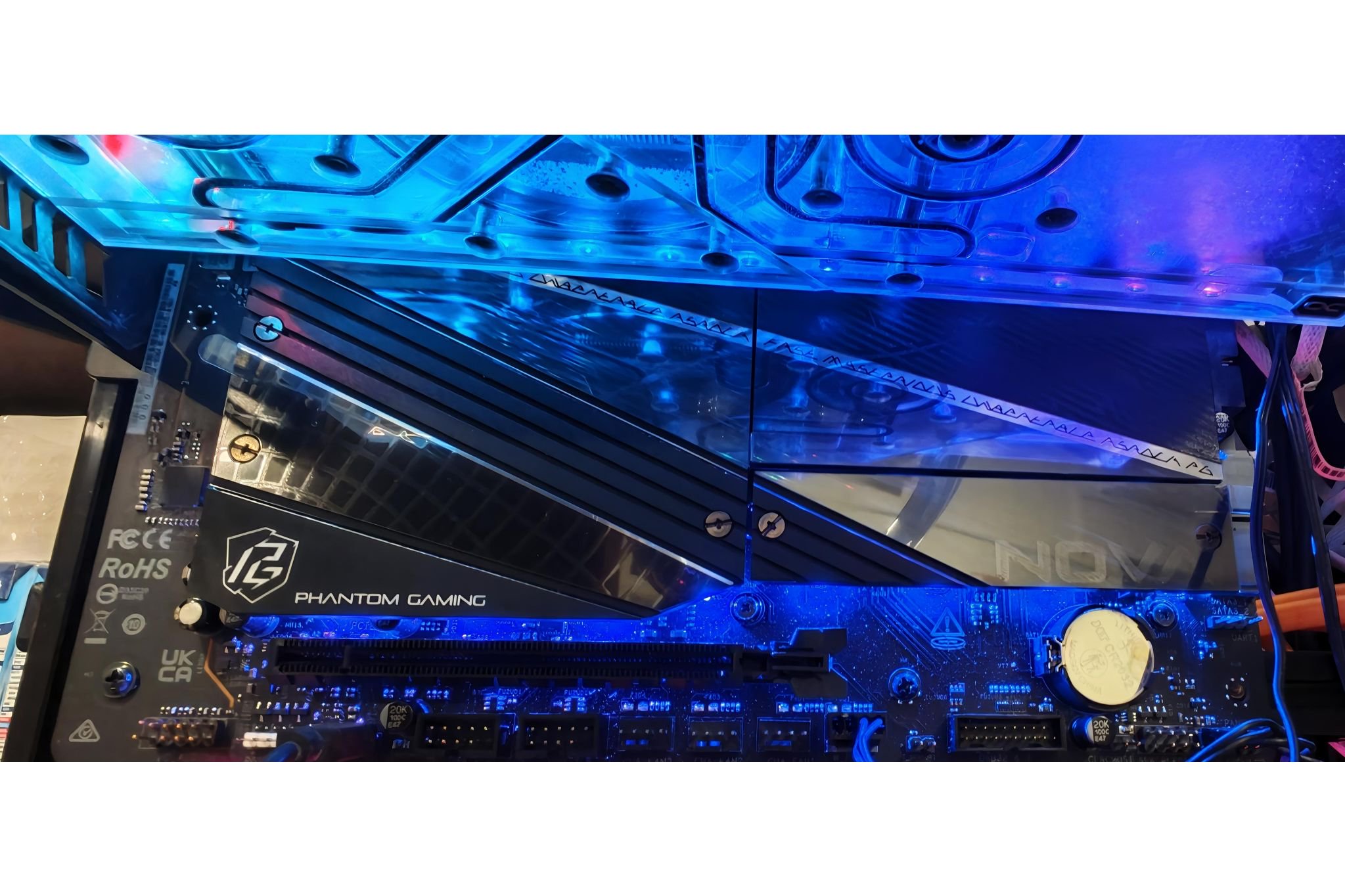
Undershot, M.2's heatsink really sparkles! ✨
2025-12-11
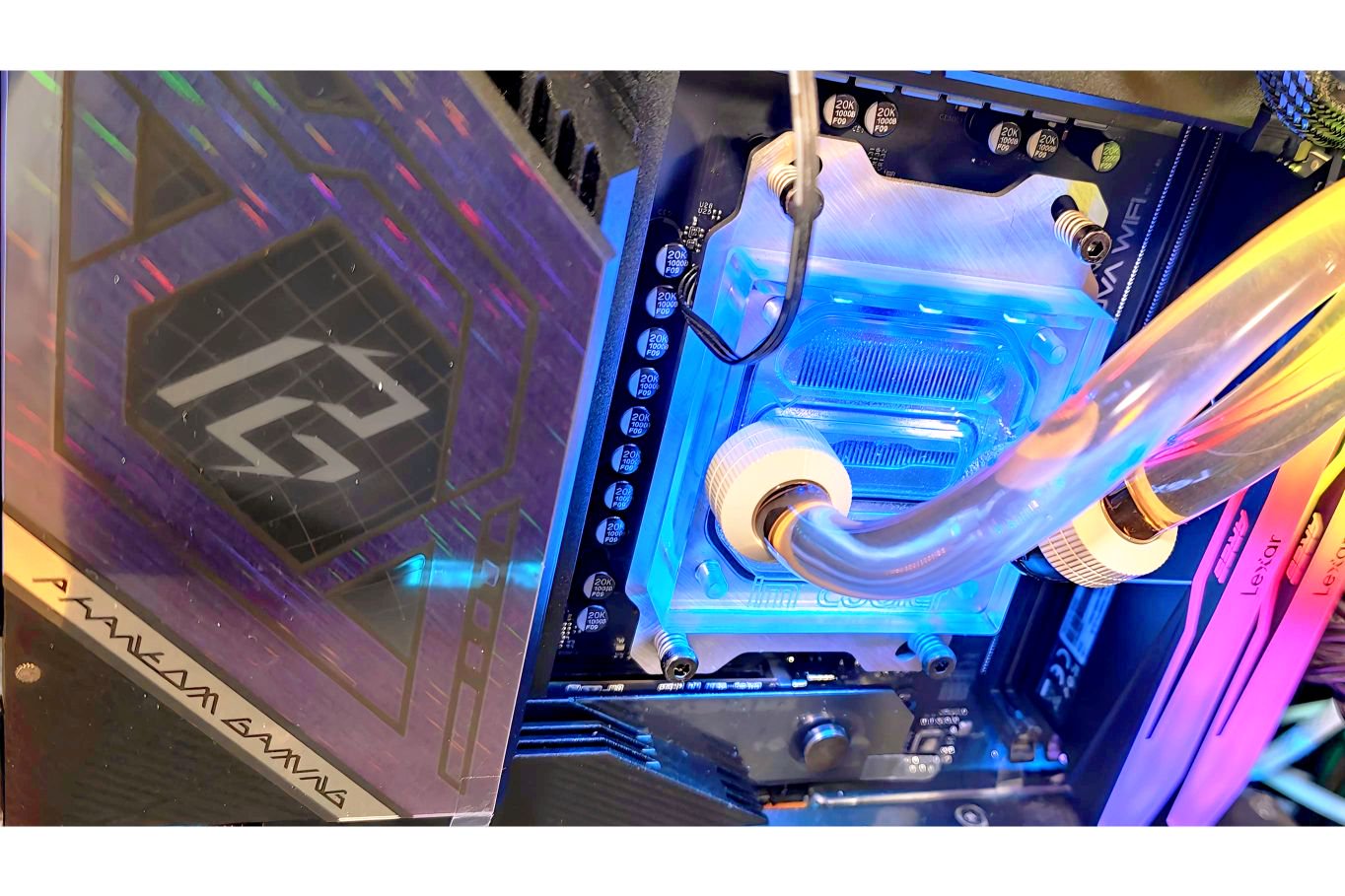
RGB ✅ Phantom Gaming 🌈 ✅
2025-12-11
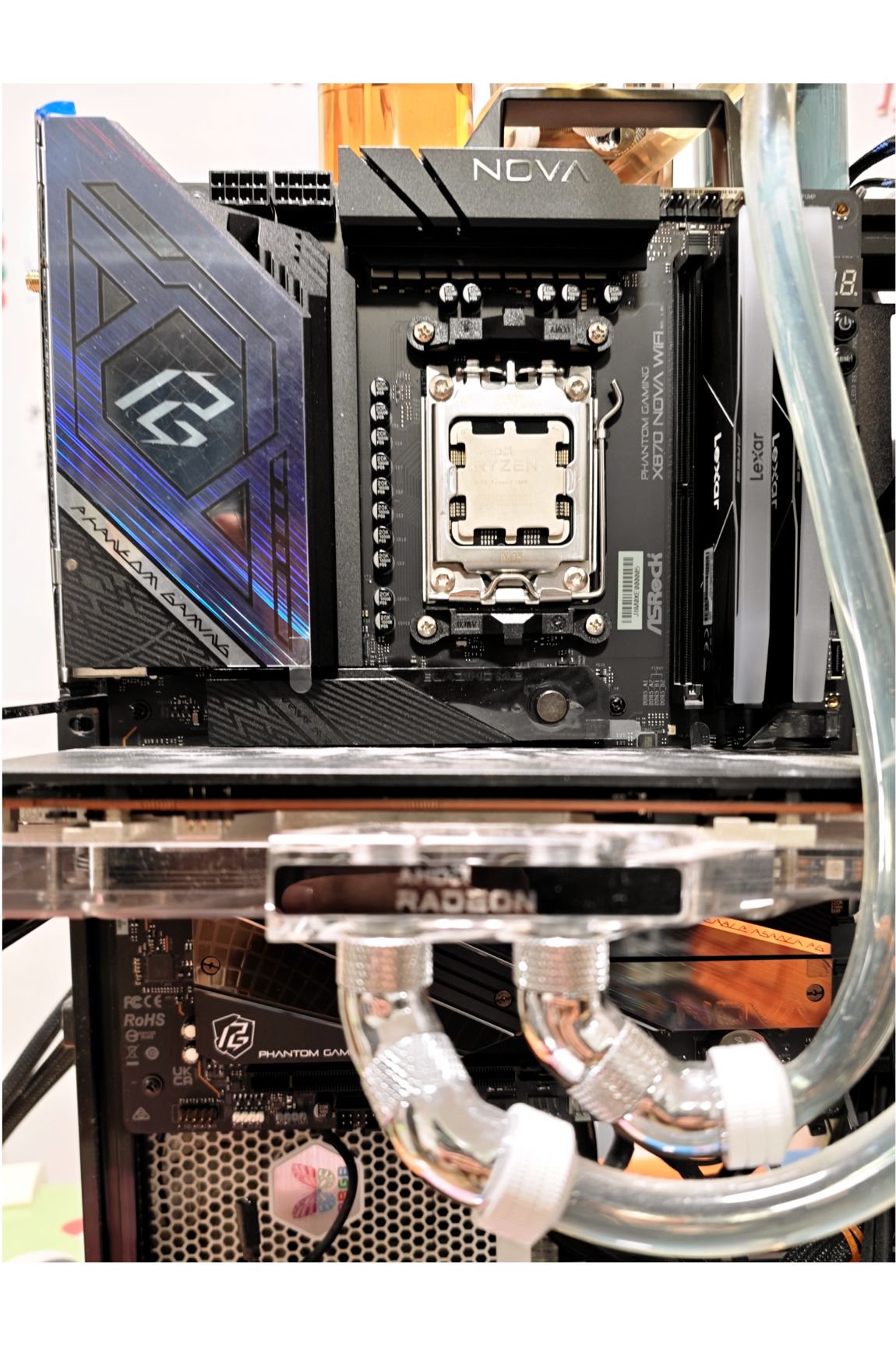
Mounted and ready to be cooled 🥶
2025-12-11
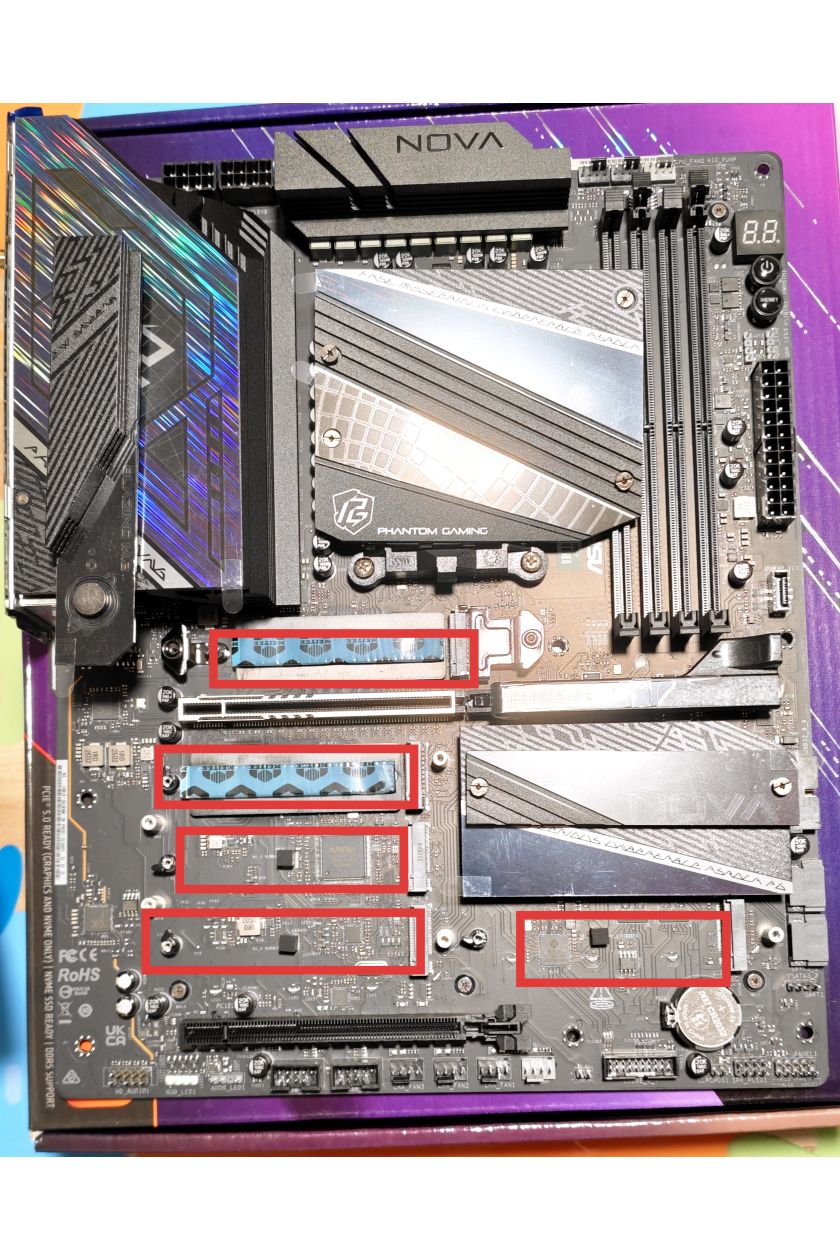
5-sloted M.2. Tons of games. Or VIDEOS 🤫
2025-12-11
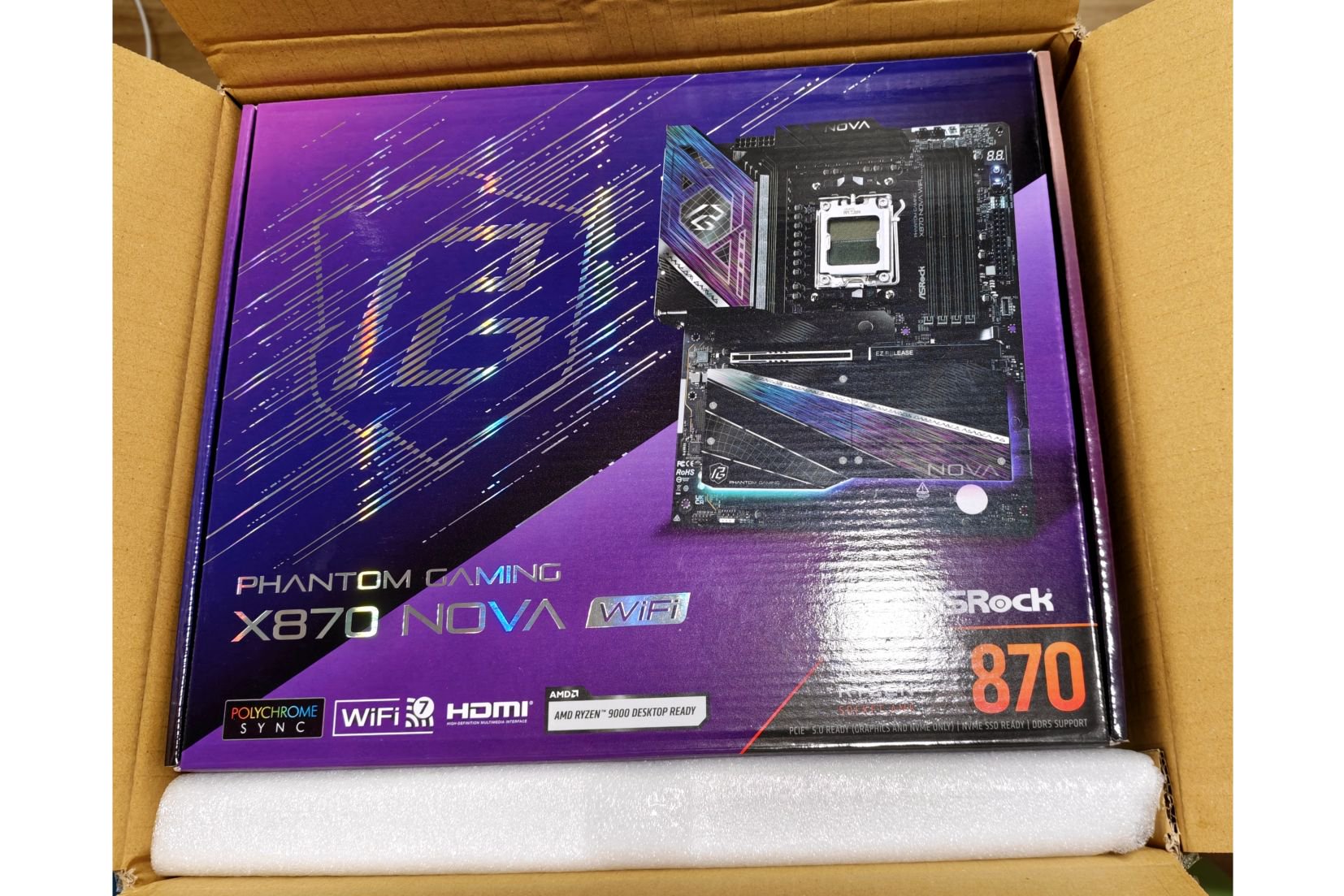
Naked box, waiting to be stuffed! 😛
2025-12-11
The package came in, how exciting! 😀
2025-12-28
All the goodies in a board!
dwi0342
I′m an enthusiast who enjoys unboxing 3C products, and I hope to deliver a great piece of content for everyone this time.

2025-12-08
Waiting for more photos...
千里 (K-miles)
從學生時代,我便是一名PC DIY玩家,第一次自己組裝電腦是在8年前AMD Ryzen處理器橫空出世時,用的主機板便是ASRock X370 Taichi。如今8年後,我很榮幸將以玩家的身分再次體驗年度最佳CPU AMD 9800X3D以及ASRock的主機板X870 Nova的極致組合。
 這次使用Asrock X870 NOVA WIFI的體驗十分良好,我會分成三大部分做分享:
1. 硬體支援度
2. 安裝體驗
3. 使用體驗(包含BIOS設定)
首先在硬體方面,最令我印象深刻的便是X870作為中高階主機板對硬體的支援程度,為了滿足日益複雜的散熱環境,X870 Nova擁有上3下4,共7個風扇4pin接頭(加3個ARGB接頭),滿足從風冷到客製化水冷的使用者。另外就是最浮誇的5 M.2 SSD插槽,雖然其中一條會跟後方USB共用通道(受限於晶片組),但是能在中高階板提供給玩家這麼多擴充選擇的目前只有AsRock有。供電方面的18+2+1相讓X3D CPU使用也是遊刃有餘。
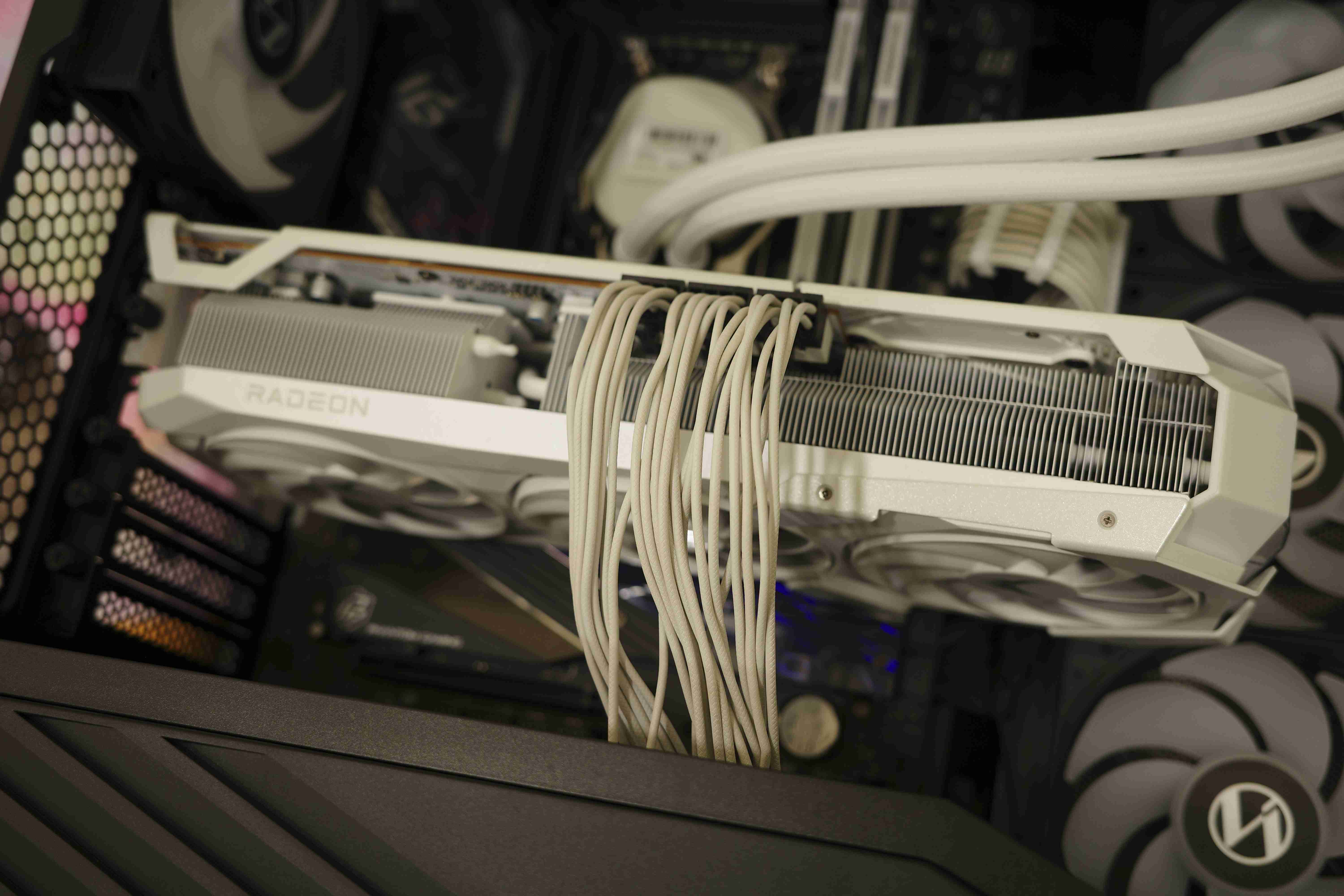
安裝體驗上,第一點延續上面風扇接頭,接頭數量合理,但建議將一個4pin PWM接口調整到主機板右側,這樣對海景房機殼使用者側面風扇接線會更加方便。第二點為PCIE第一槽的M.2 SSD插槽在安裝雙面顆粒的SSD會因擠壓造成快拆裝置無法完全扣緊。安裝中最讓我驚豔的就是顯卡EZ Release快拆,是我用過最順手的設計。非常好評!!!以往組裝電腦最怕的就是拆裝顯示卡不甚導致PCB刮傷甚至斷裂。EZ Release設計讓安裝顯卡非常直覺順暢,拆卸顯卡時可以後拉卡準直到出現綠色小提示,再輕鬆拔除顯卡,完成後EZ Release也會迅速退回預設位置,一氣呵成,非常滿意,也不用擔心顯示卡受損。(希望固定SSD的小扣環也能有類似的彈簧回彈機制)
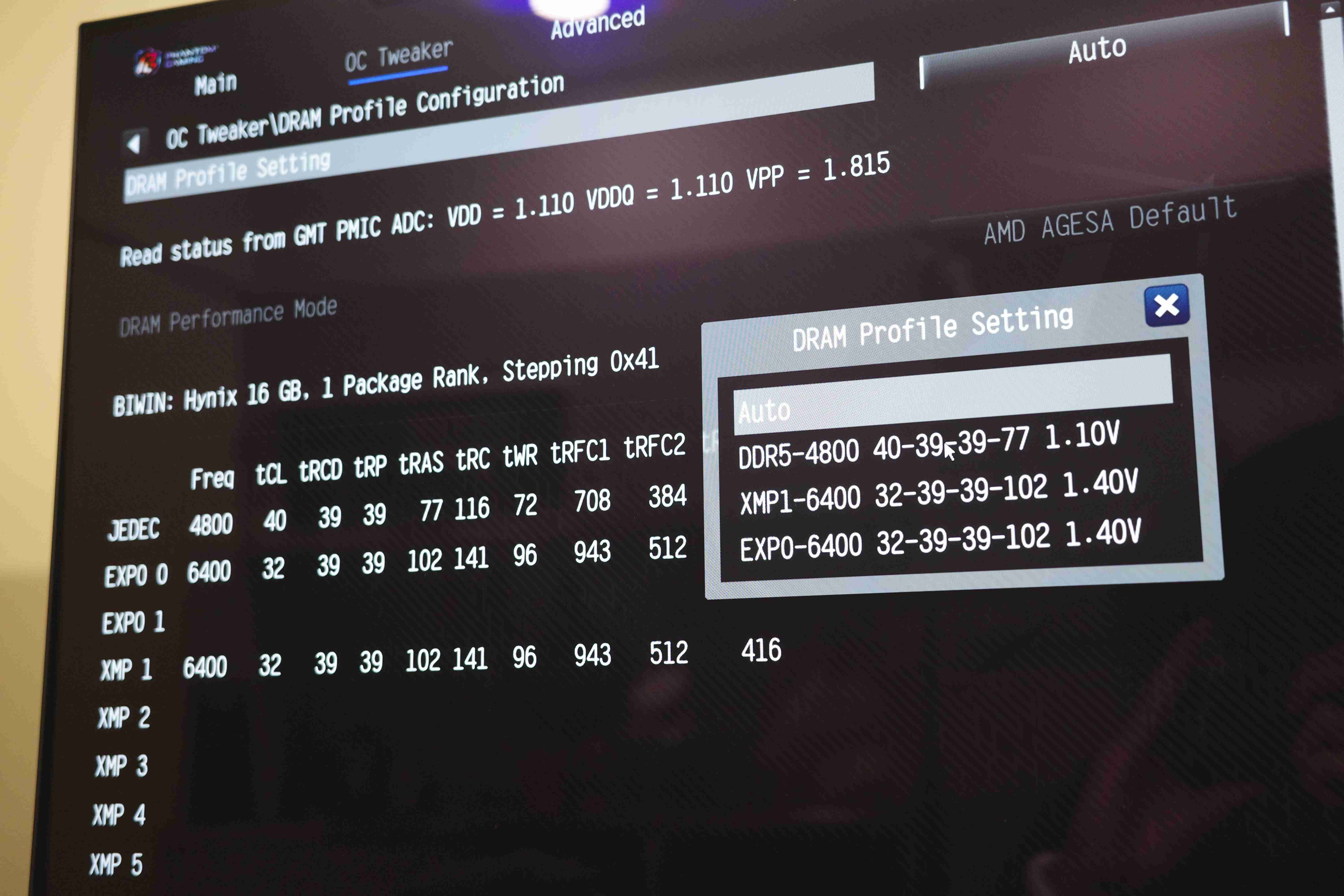
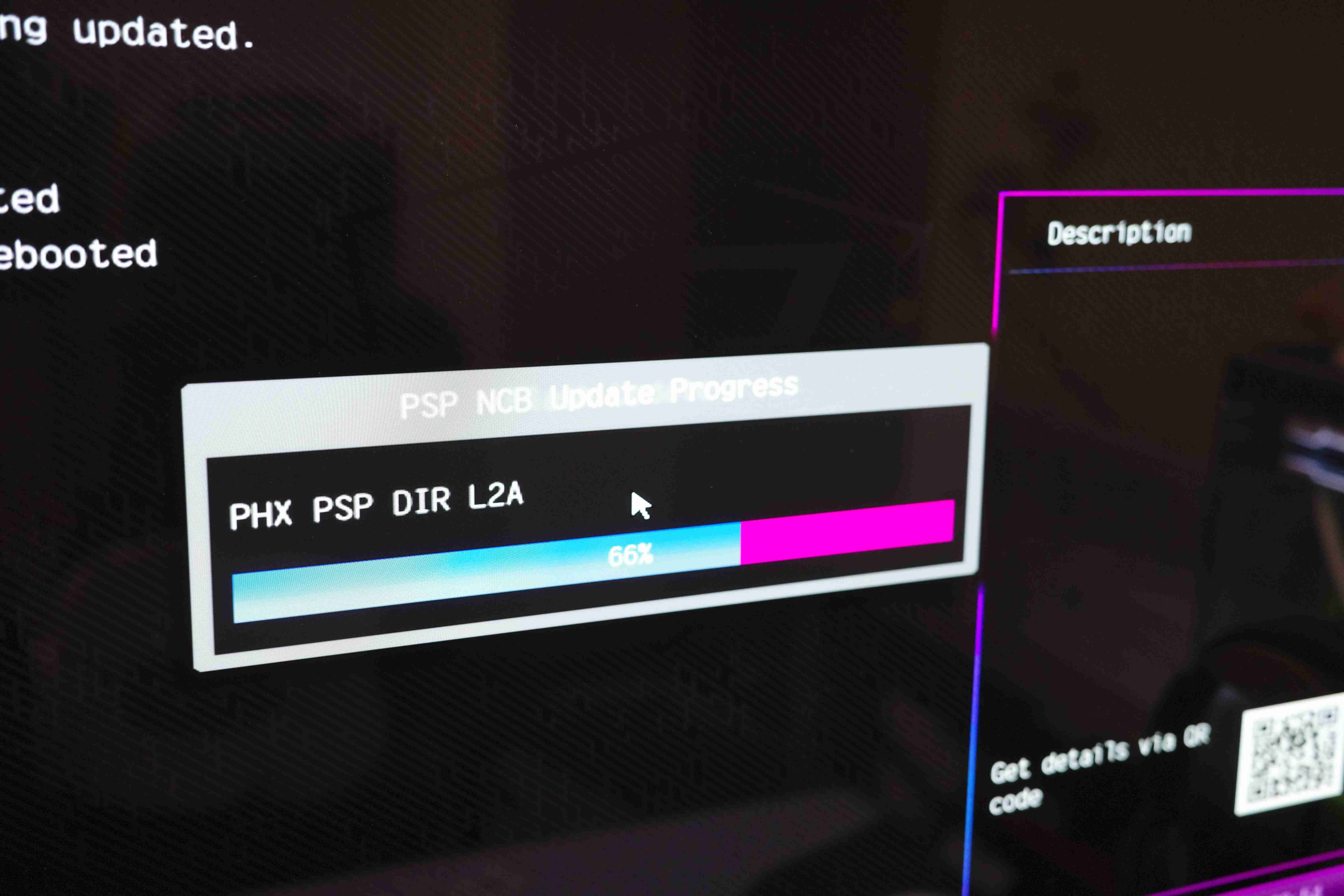
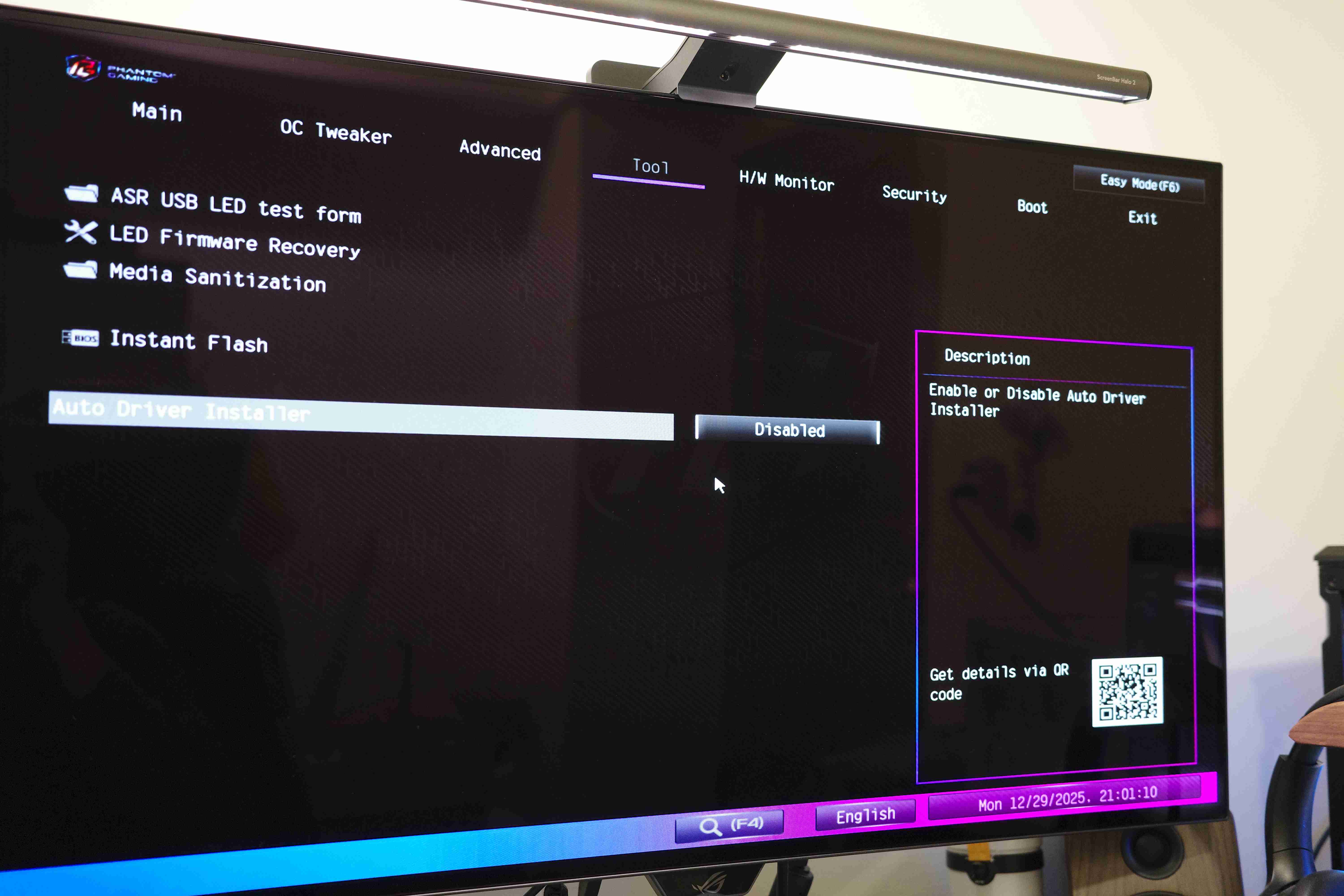
軟體方面,AsRock出廠都有協助將BIOS更新到最新版,以便確保最完整的硬體支援度。即使是在後續需要更新BIOS,也可以簡單地透過Instant Flash以及USB隨身碟快速更新。RAM支援度方面,雖然我的Predator Vesta II DDR5 6400並沒有在QVL清單內,但也是可以穩定使用Expo參數超頻至6400MHz。
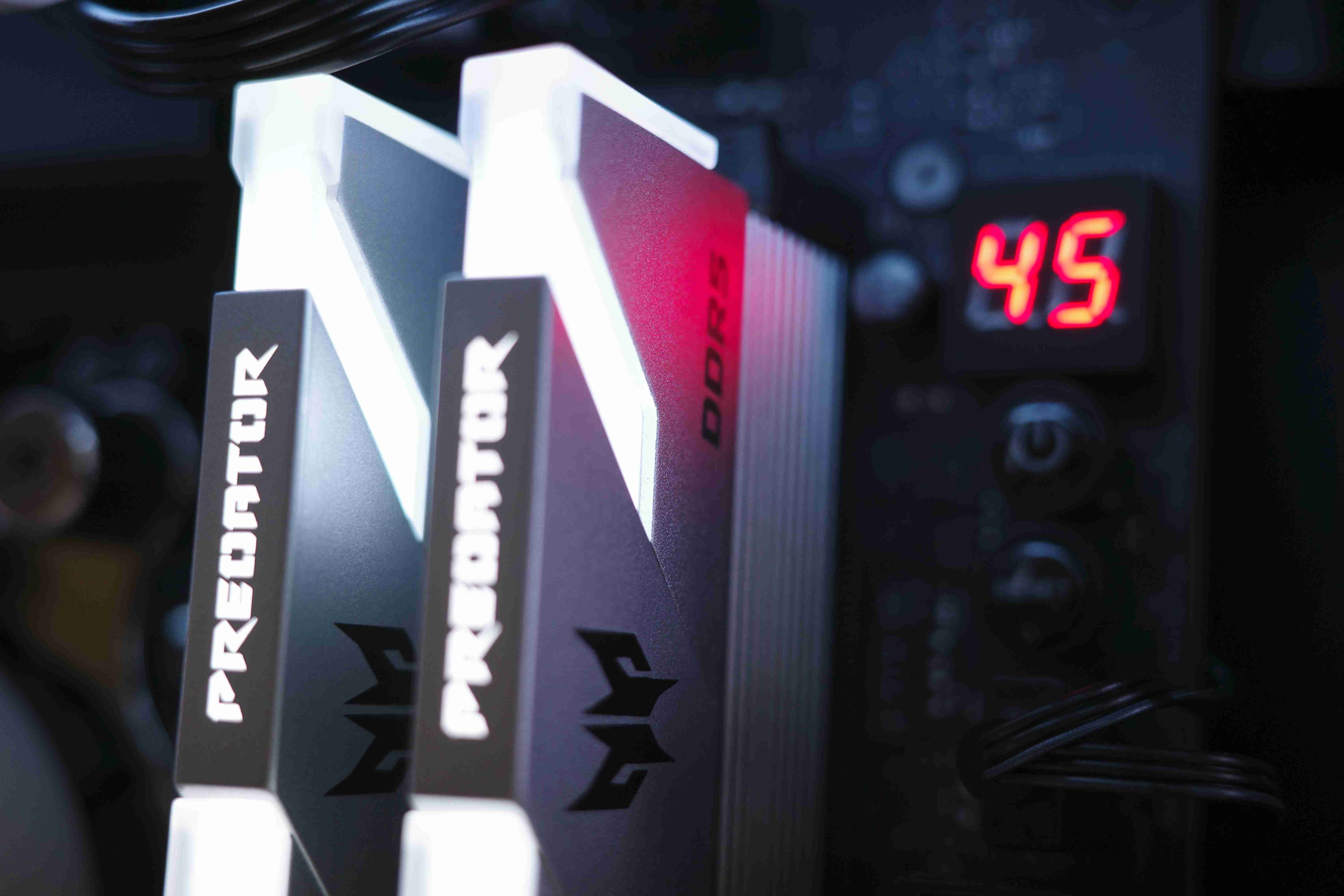
外觀方面,X870 NOVA WIFI走低調奢華的路線,在黑中隱約帶點炫彩感,RGB燈珠的設計集中在PCB下方晶片組以及SSD散熱片底下,讓我想到X370 Taichi也是如此低調奢華。數字Debug燈也是跟X370如出一轍,現在竟然可以顯示CPU溫度,真的玩出新花樣。
X870 NOVA WIFI體驗非常滿意,不僅是硬體規格充足,M.2 SSD在有限的PCIE通道上讓玩家擁有選擇權,安裝上的快拆也很到位(SSD相容有小缺點),但也是瑕不掩瑜,X870 NOVA WIFI確實是完成度非常高,且乘載板廠特色以及魅力的主機板!
這次使用Asrock X870 NOVA WIFI的體驗十分良好,我會分成三大部分做分享:
1. 硬體支援度
2. 安裝體驗
3. 使用體驗(包含BIOS設定)
首先在硬體方面,最令我印象深刻的便是X870作為中高階主機板對硬體的支援程度,為了滿足日益複雜的散熱環境,X870 Nova擁有上3下4,共7個風扇4pin接頭(加3個ARGB接頭),滿足從風冷到客製化水冷的使用者。另外就是最浮誇的5 M.2 SSD插槽,雖然其中一條會跟後方USB共用通道(受限於晶片組),但是能在中高階板提供給玩家這麼多擴充選擇的目前只有AsRock有。供電方面的18+2+1相讓X3D CPU使用也是遊刃有餘。
安裝體驗上,第一點延續上面風扇接頭,接頭數量合理,但建議將一個4pin PWM接口調整到主機板右側,這樣對海景房機殼使用者側面風扇接線會更加方便。第二點為PCIE第一槽的M.2 SSD插槽在安裝雙面顆粒的SSD會因擠壓造成快拆裝置無法完全扣緊。安裝中最讓我驚豔的就是顯卡EZ Release快拆,是我用過最順手的設計。非常好評!!!以往組裝電腦最怕的就是拆裝顯示卡不甚導致PCB刮傷甚至斷裂。EZ Release設計讓安裝顯卡非常直覺順暢,拆卸顯卡時可以後拉卡準直到出現綠色小提示,再輕鬆拔除顯卡,完成後EZ Release也會迅速退回預設位置,一氣呵成,非常滿意,也不用擔心顯示卡受損。(希望固定SSD的小扣環也能有類似的彈簧回彈機制)
軟體方面,AsRock出廠都有協助將BIOS更新到最新版,以便確保最完整的硬體支援度。即使是在後續需要更新BIOS,也可以簡單地透過Instant Flash以及USB隨身碟快速更新。RAM支援度方面,雖然我的Predator Vesta II DDR5 6400並沒有在QVL清單內,但也是可以穩定使用Expo參數超頻至6400MHz。
外觀方面,X870 NOVA WIFI走低調奢華的路線,在黑中隱約帶點炫彩感,RGB燈珠的設計集中在PCB下方晶片組以及SSD散熱片底下,讓我想到X370 Taichi也是如此低調奢華。數字Debug燈也是跟X370如出一轍,現在竟然可以顯示CPU溫度,真的玩出新花樣。
X870 NOVA WIFI體驗非常滿意,不僅是硬體規格充足,M.2 SSD在有限的PCIE通道上讓玩家擁有選擇權,安裝上的快拆也很到位(SSD相容有小缺點),但也是瑕不掩瑜,X870 NOVA WIFI確實是完成度非常高,且乘載板廠特色以及魅力的主機板!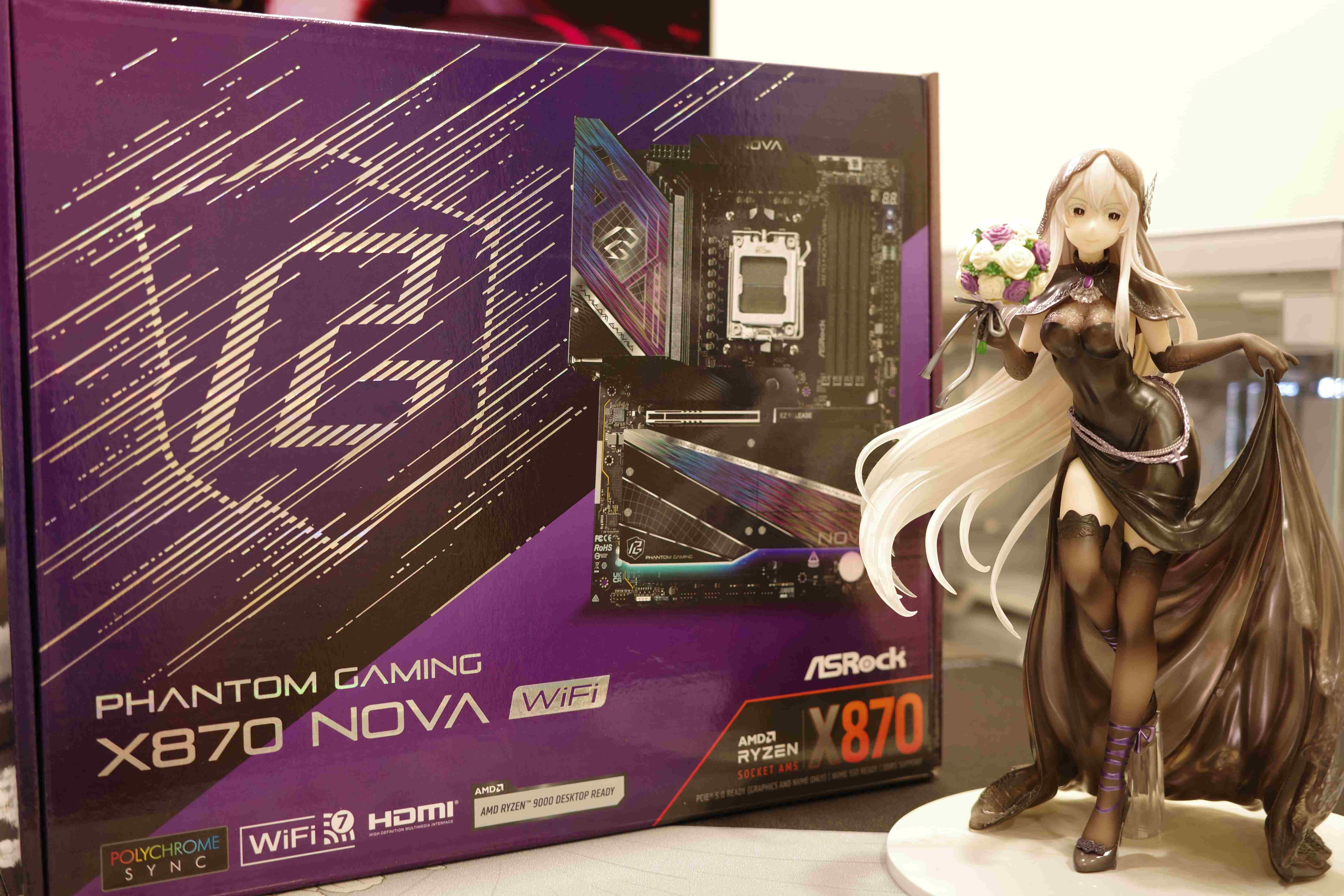
2025-12-11
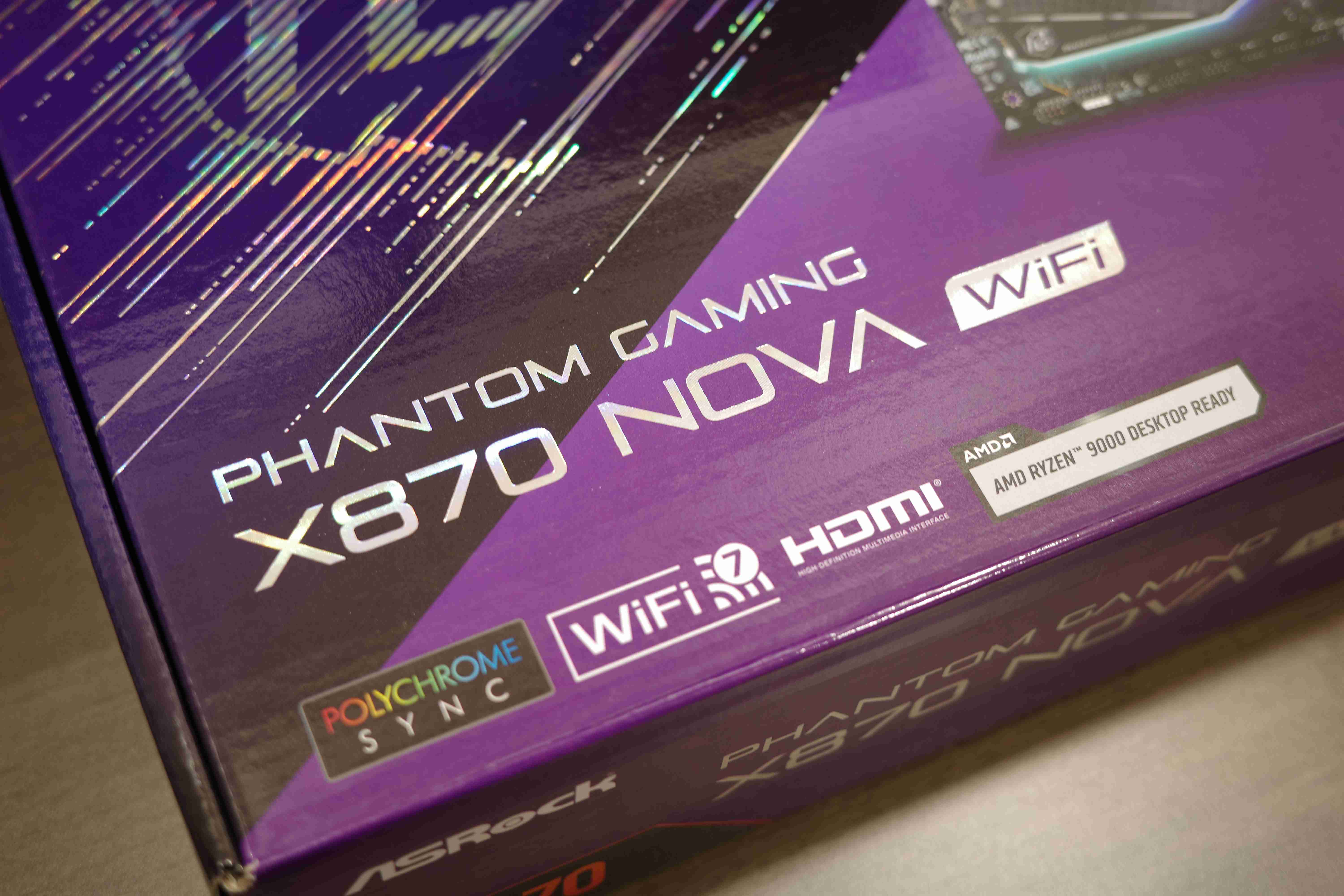
ASRock X870 NOVA WiFi
2025-12-13
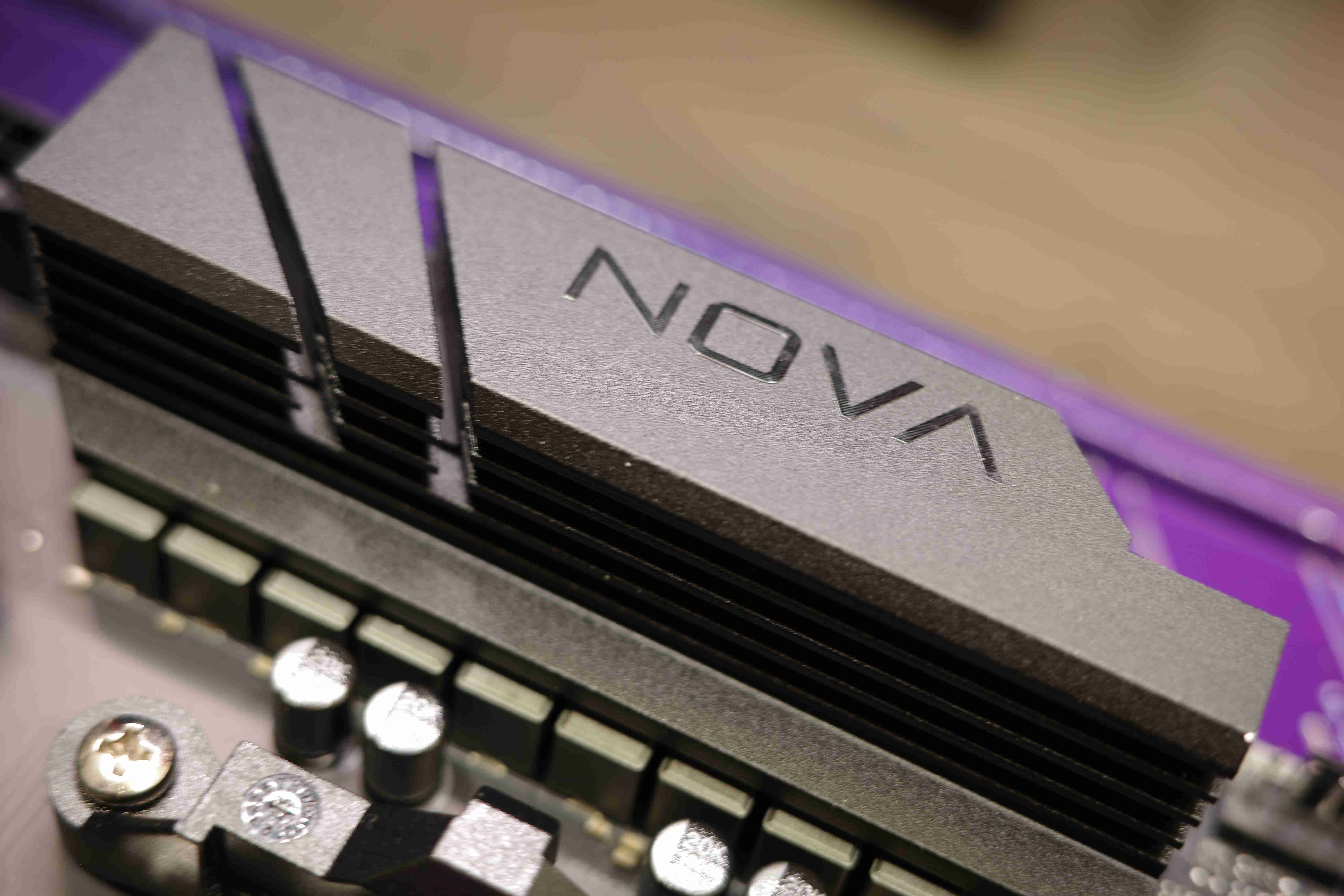
VRM heatsink with NOVA logo
2025-12-13
AMD Ryzen 9000 Series CPU Support
2025-12-13
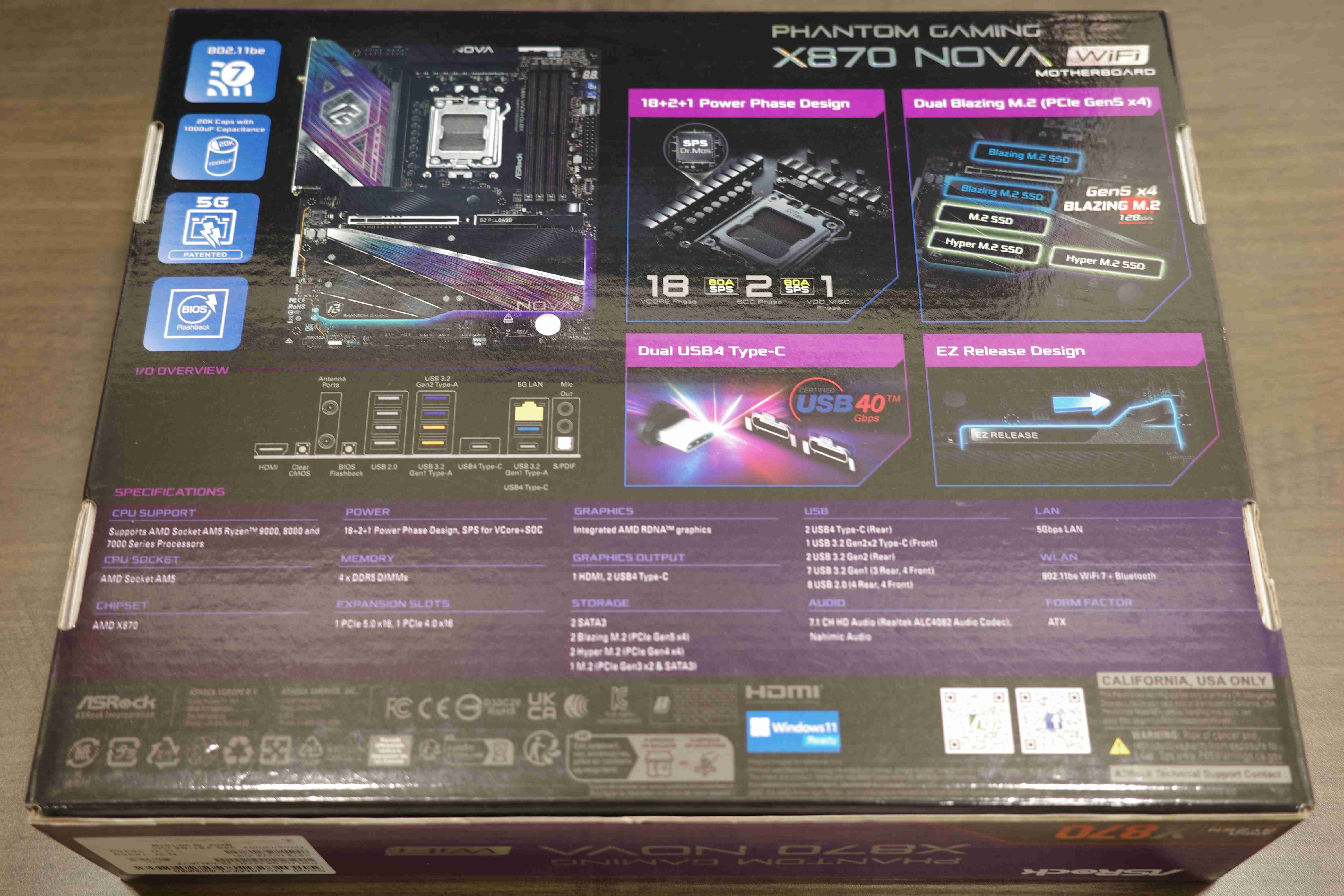
Multiple Features including 5 m.2 SSD Slots!!
2025-12-13
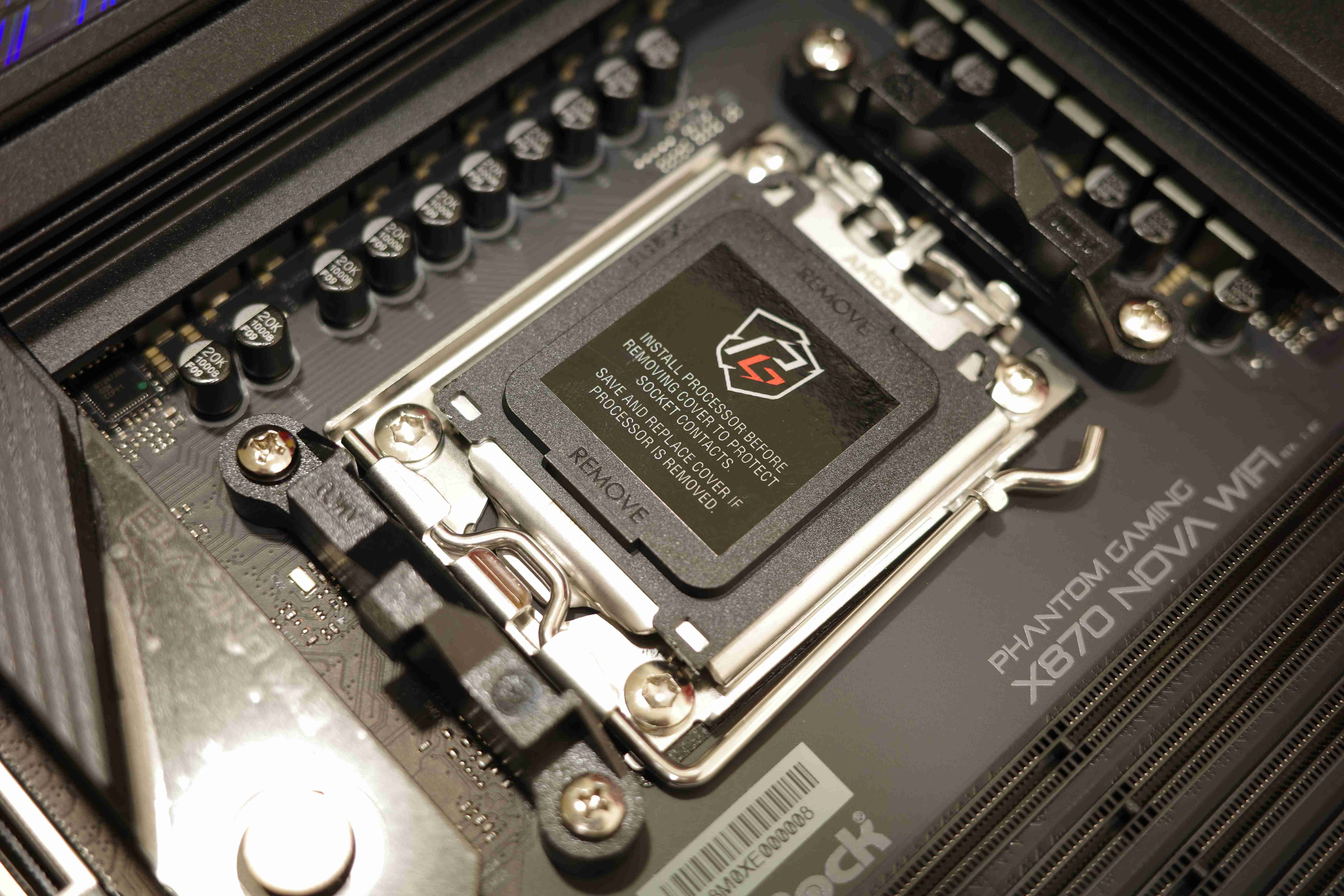
Take a close look at the AM5 socket
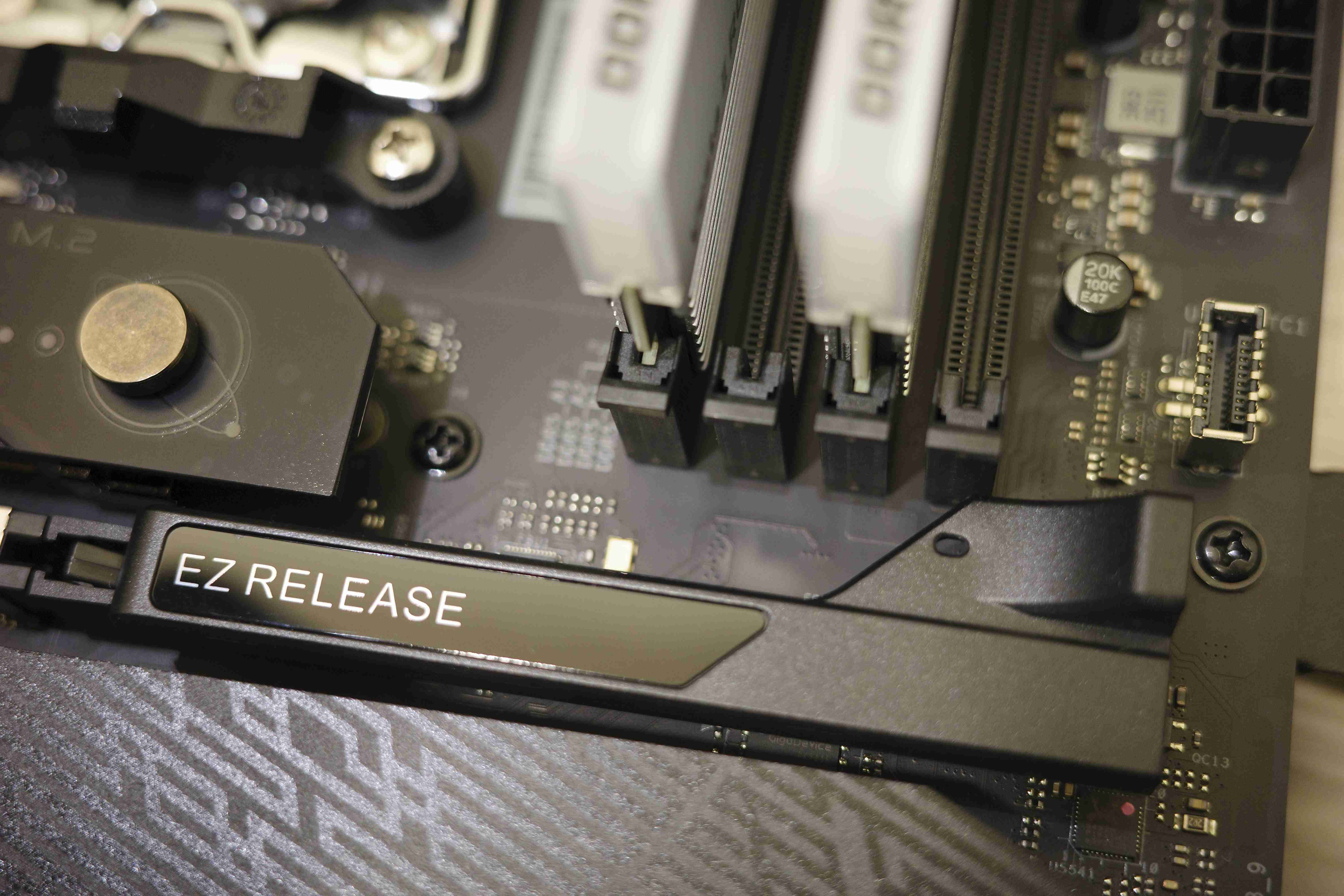
2025-12-29
體驗過最好的EZ Release顯卡快拆設計,真的是快狠準!
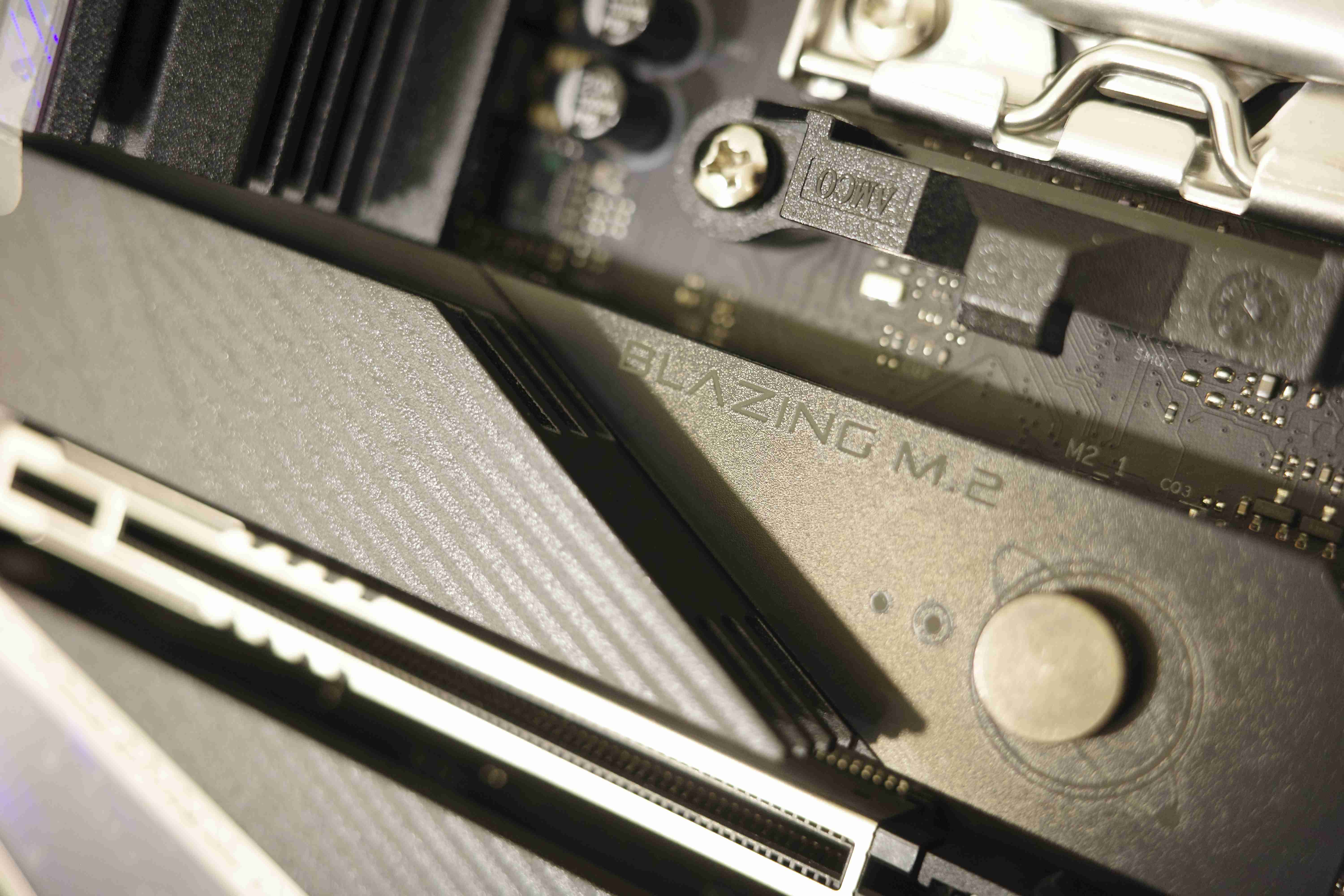
2025-12-29
推動金屬圓點即可將SSD散熱裝甲拆下,非常方便! (雙面SSD可能會卡到,需要壓大力一點)
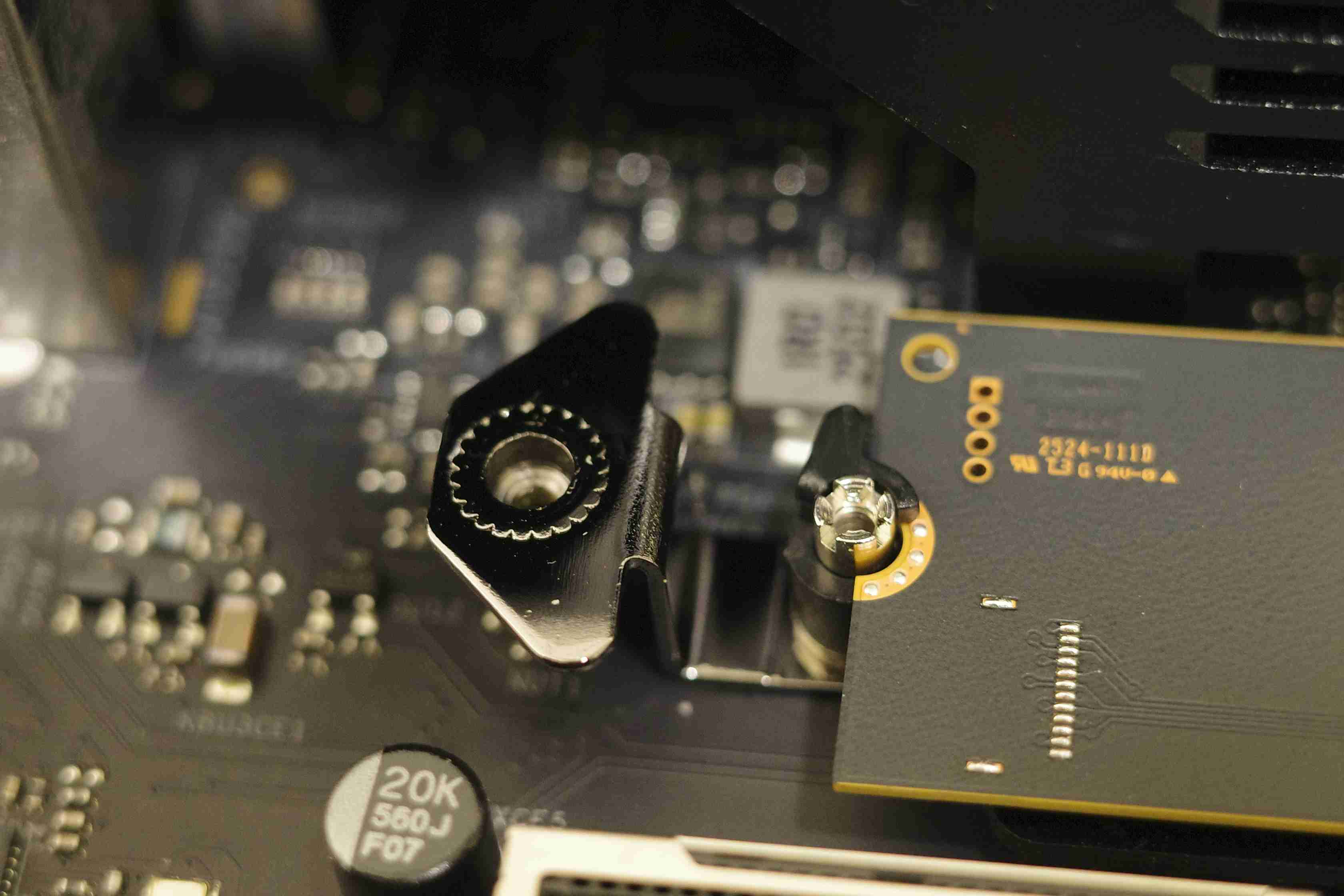
2025-12-29
方便的快拆系統,希望未來小扣環可以加上小彈簧回彈機制,讓使用體驗更好!
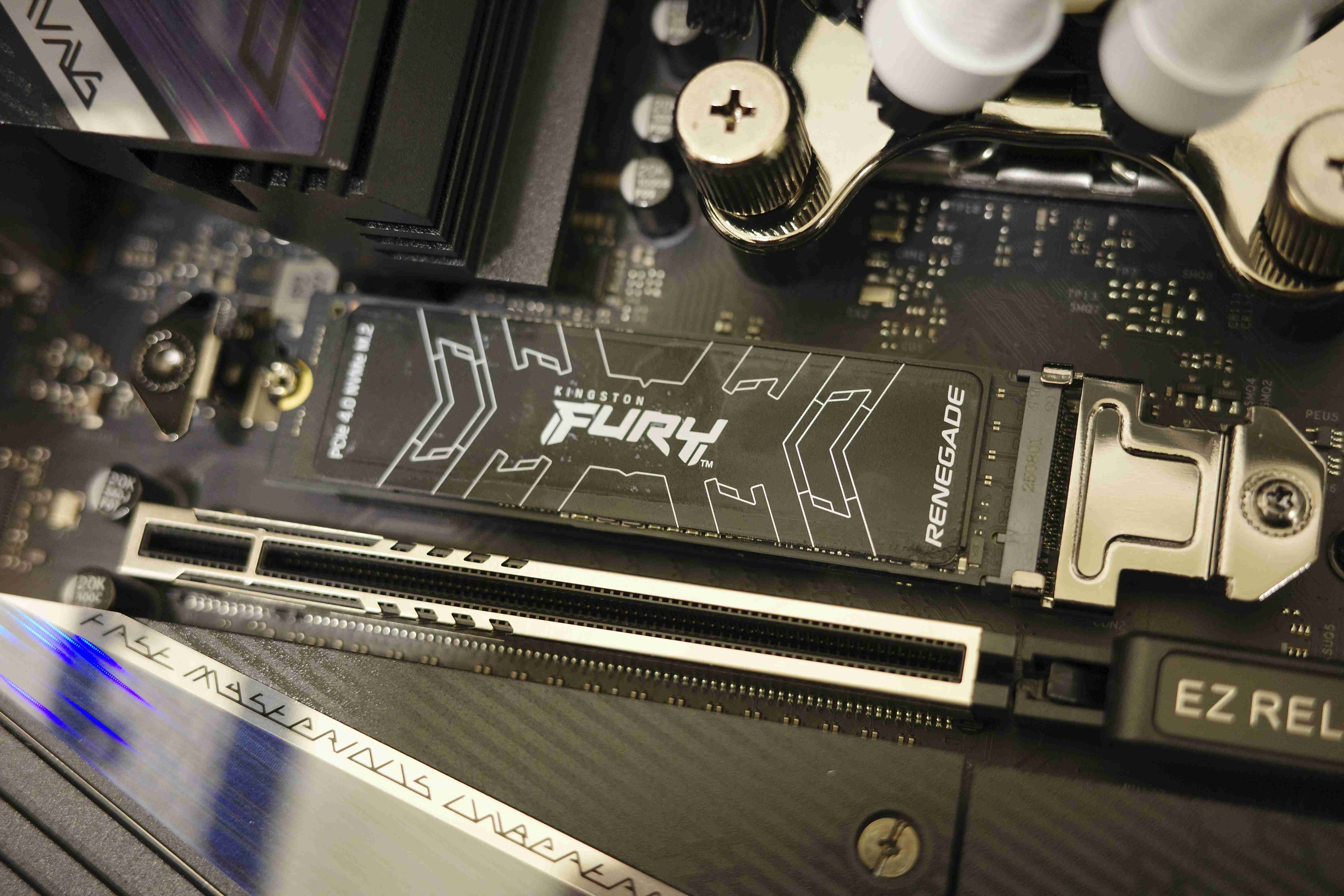
2025-12-29
使用手邊最快的PCIE gen4 SSD,但X870 NOVA更強,支援PCIE gen5
2025-12-29
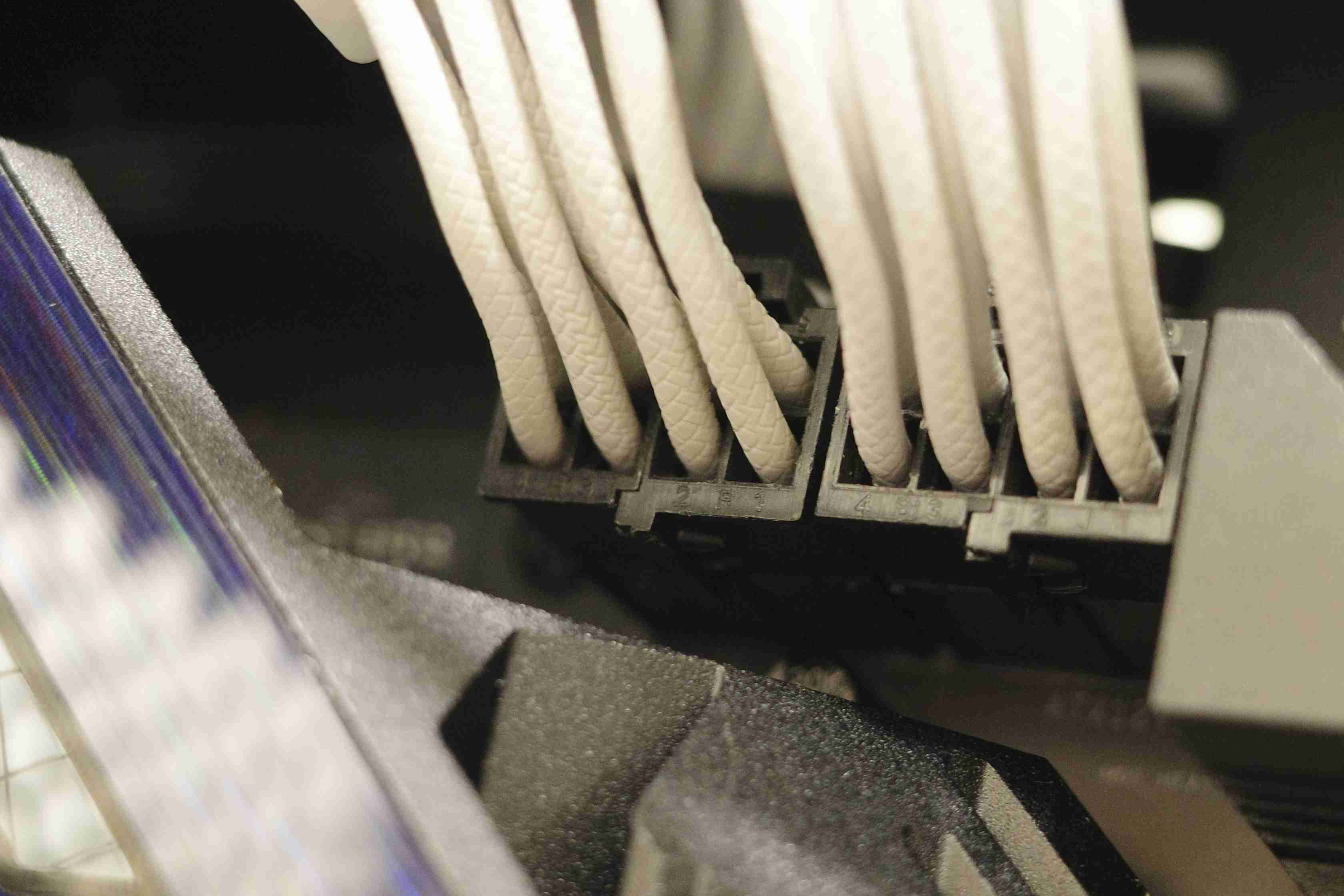
安裝電源線環節,CPU 8+8 pin供電給好給滿
2025-12-29
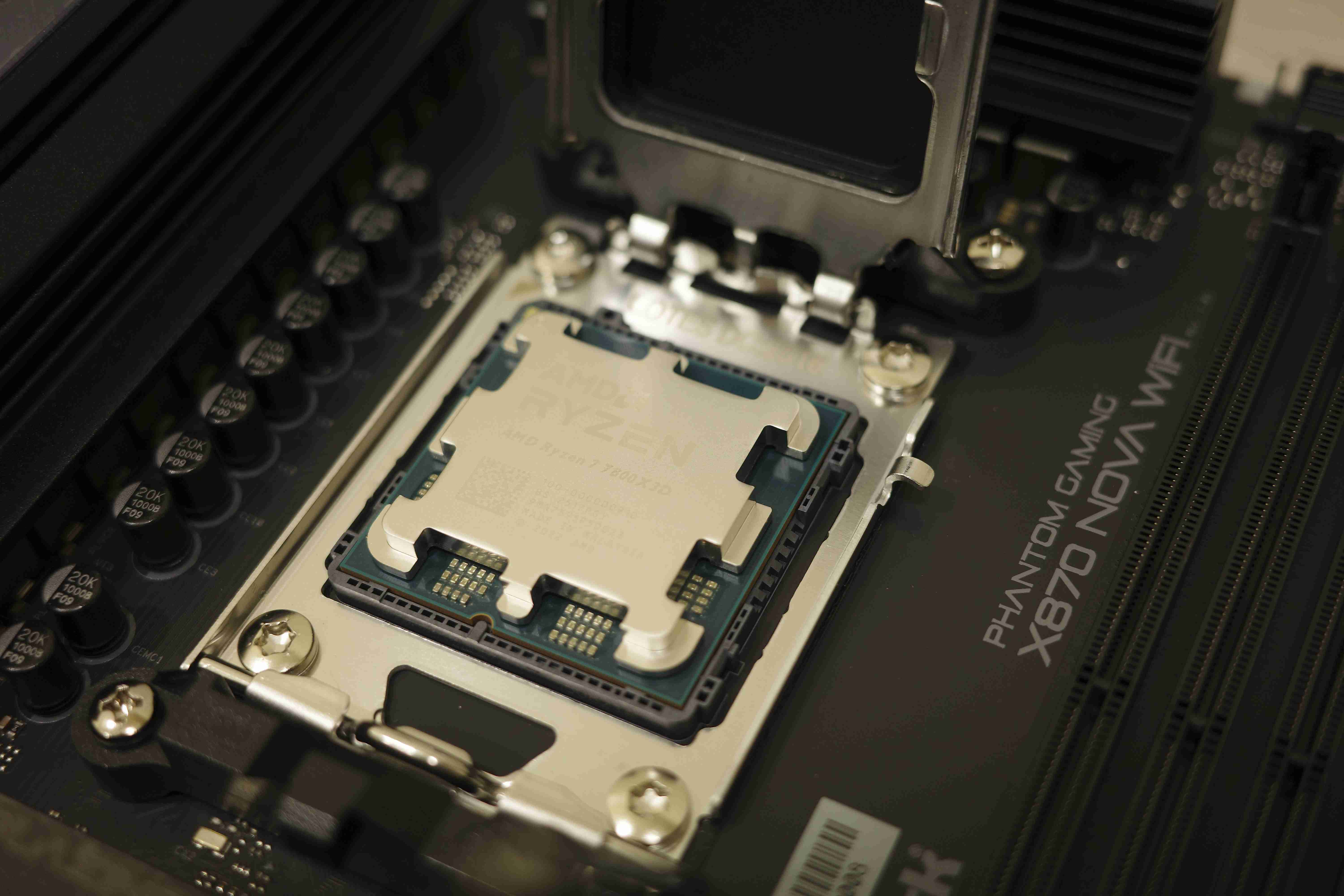
CPU安裝
2025-12-29
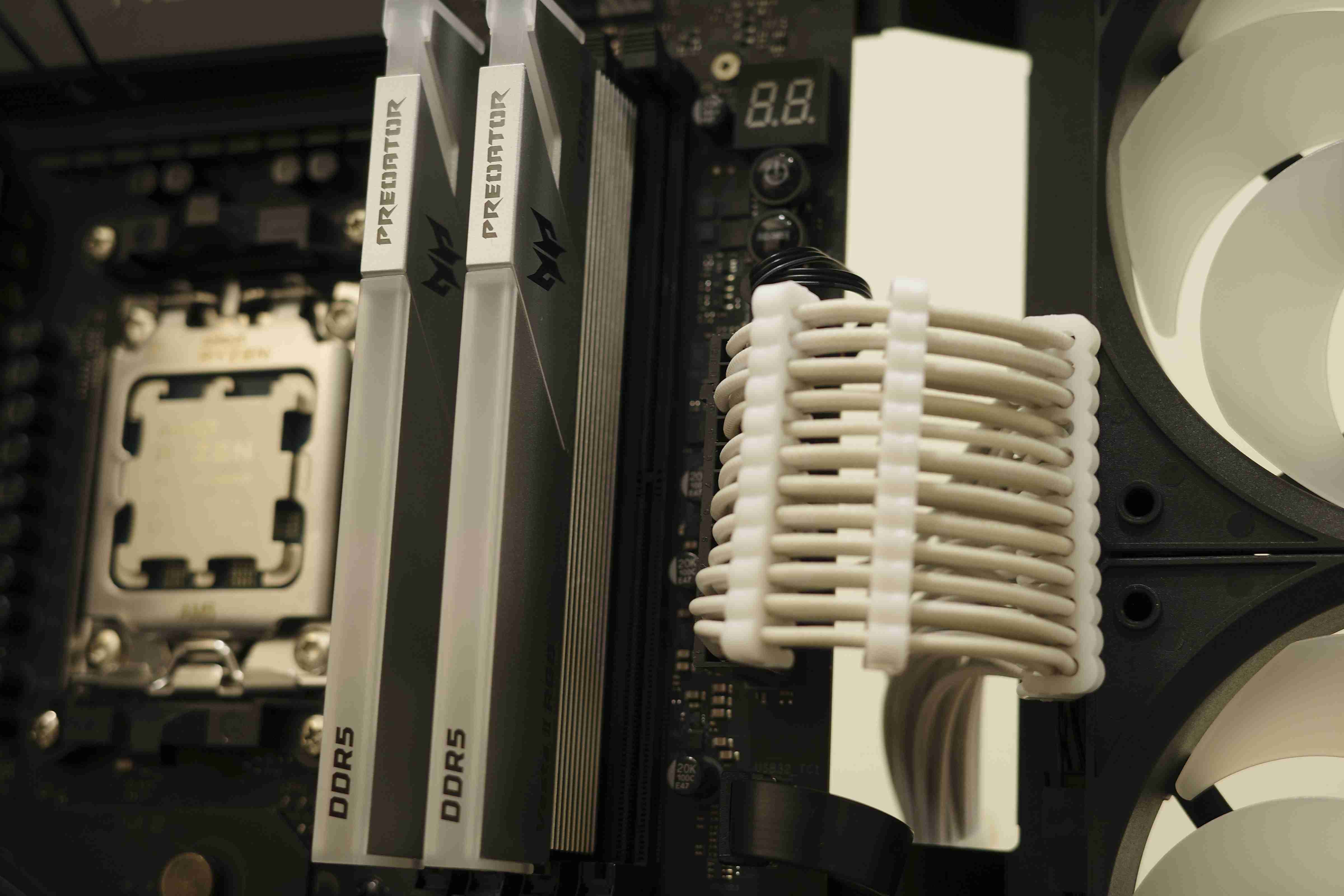
24pin主機板電源線安裝
2025-12-29
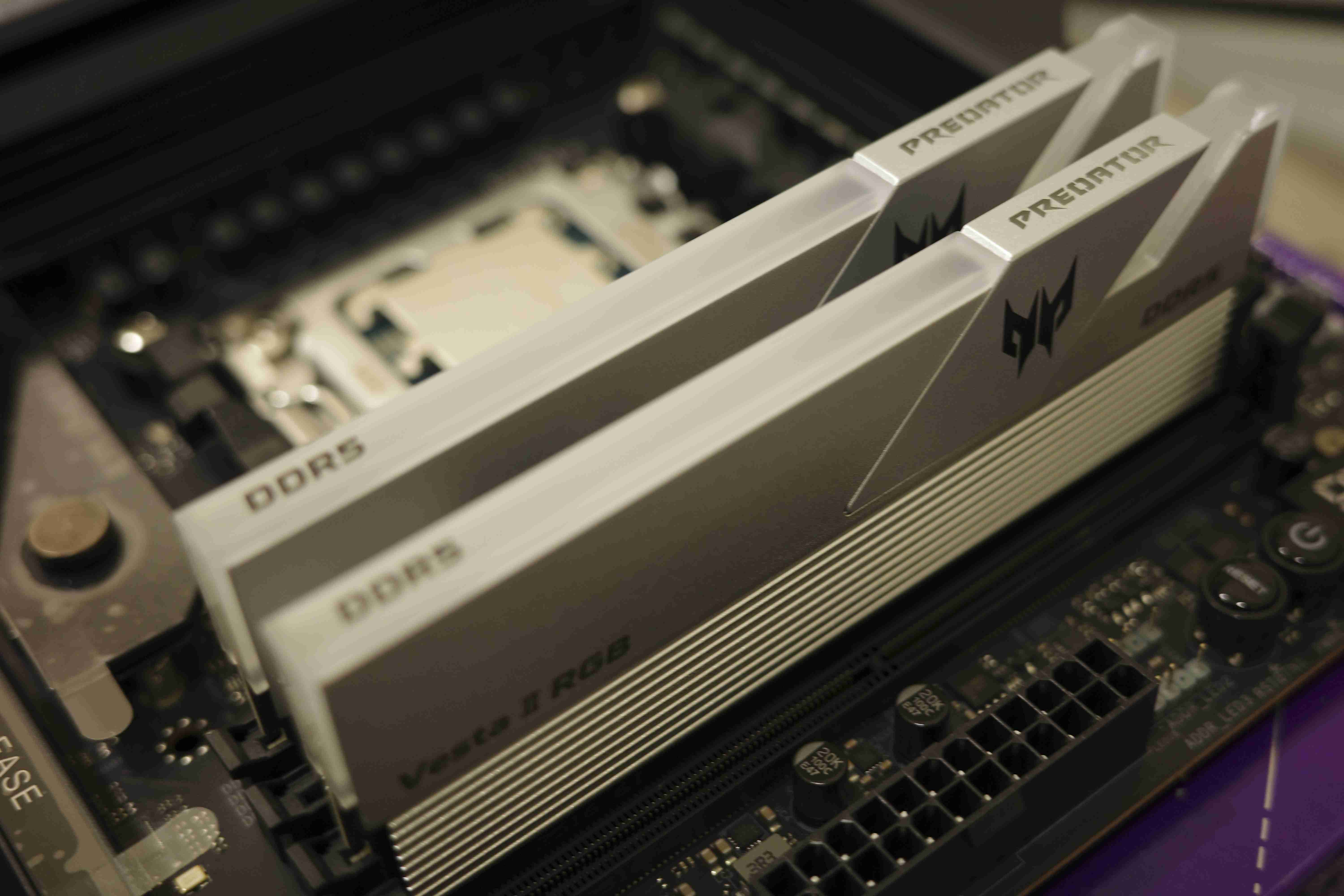
安裝記憶體時一定要注意安裝位置要位於A2B2,沒有看說明書都會忘記><
2025-12-29
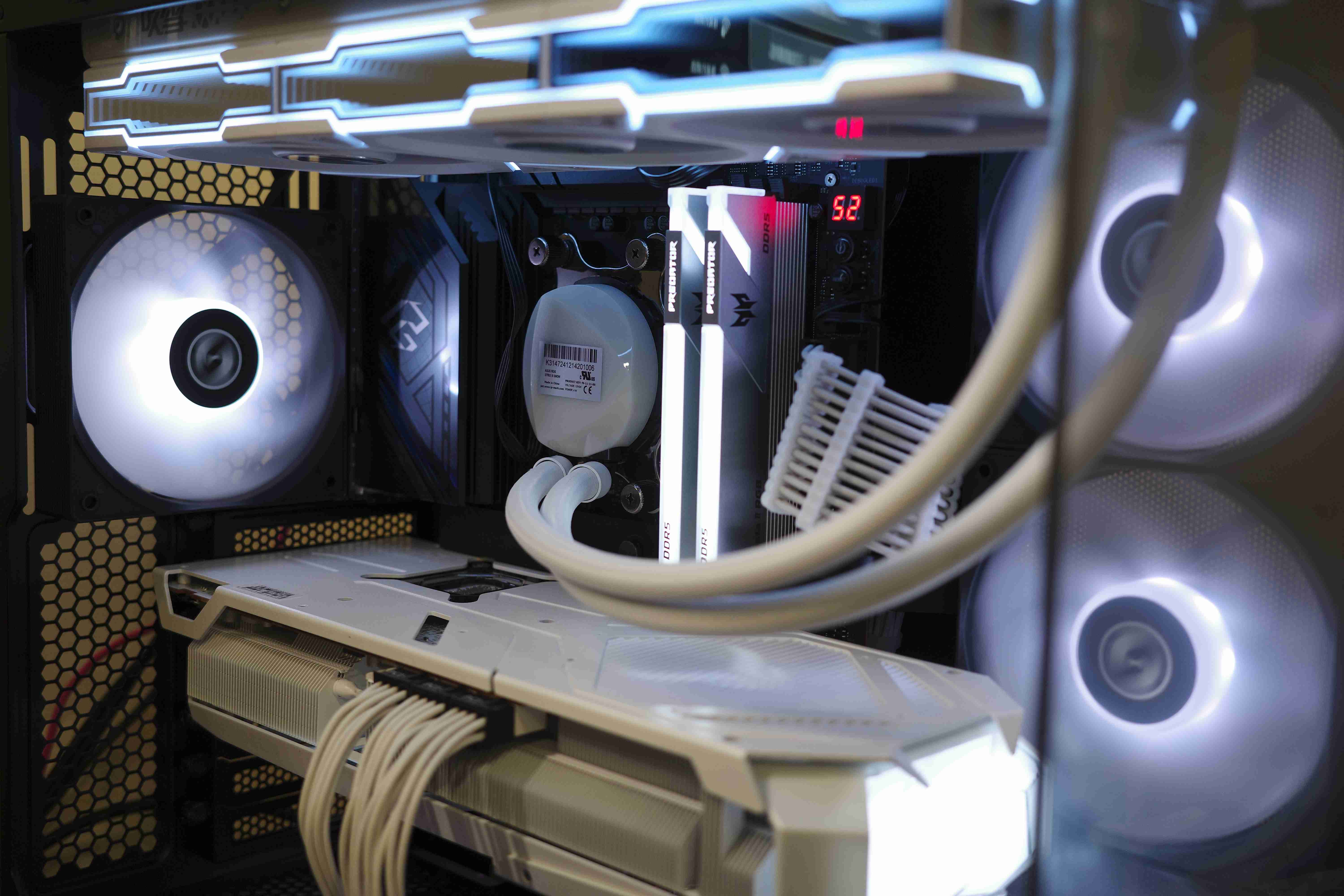
統一色調完成! 果然還是黑白大調對味
2025-12-29
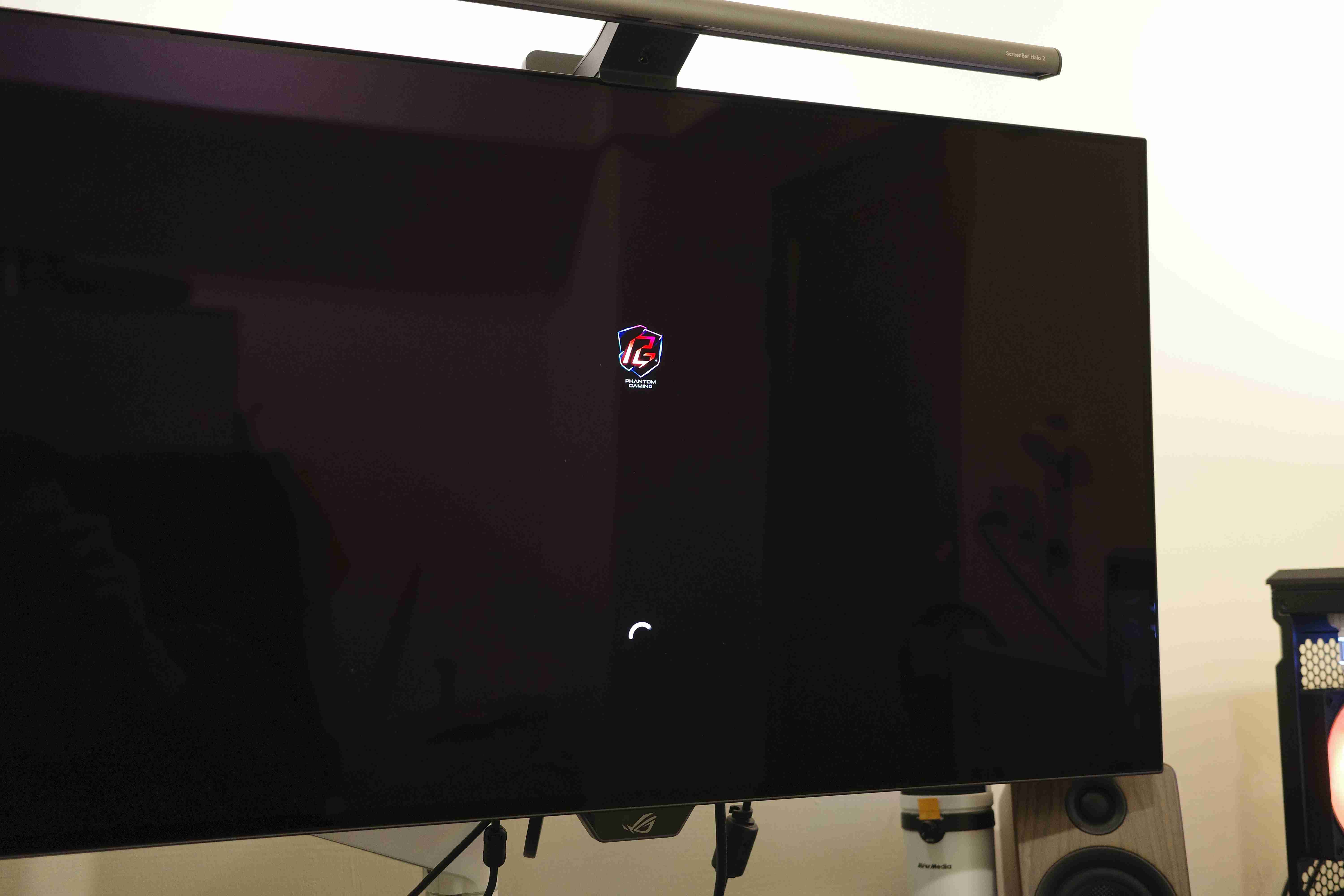
Phantom Gaming in 4K
2025-12-29
BIOS會顯示所有記憶體上已有的超頻參數(包括Intel XMP以及AMD Expo)
2025-12-29
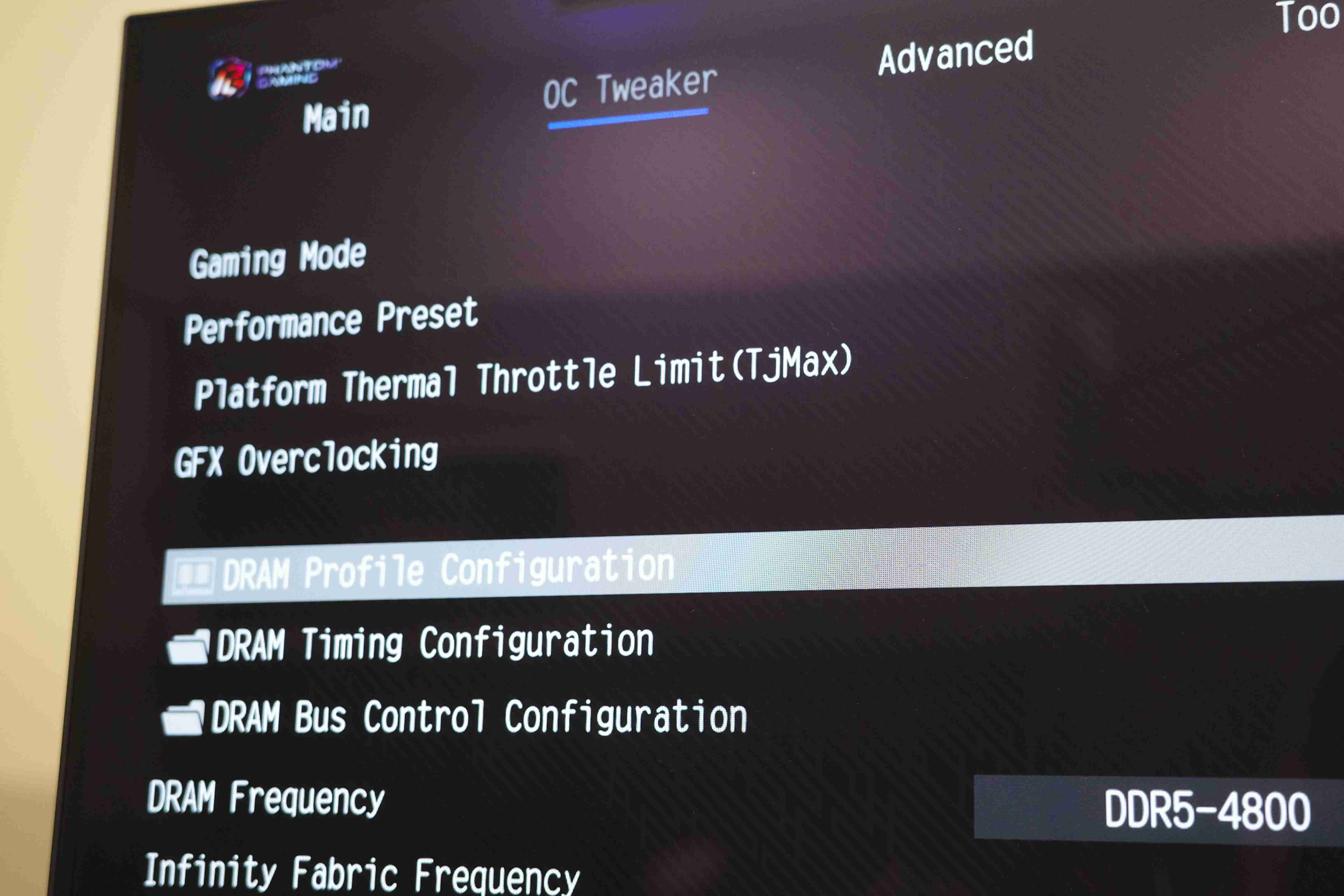
AMD Expo 使用上也是隨點隨用,非常的簡單。
2025-12-29
直接更新到平安夜的最新版BIOS
2025-12-29
功能方面,BIOS的Instant Flash讓更新BIOS變得相當方便
2025-12-29
拆裝顯卡完全不費工夫,真的是要再次讚嘆EZ Release這個真快拆!
2025-12-29
Deubug數字燈由於高樓中的一縷紅,成為主機板的特色之一,還可以即時顯示CPU溫度!
2025-12-29
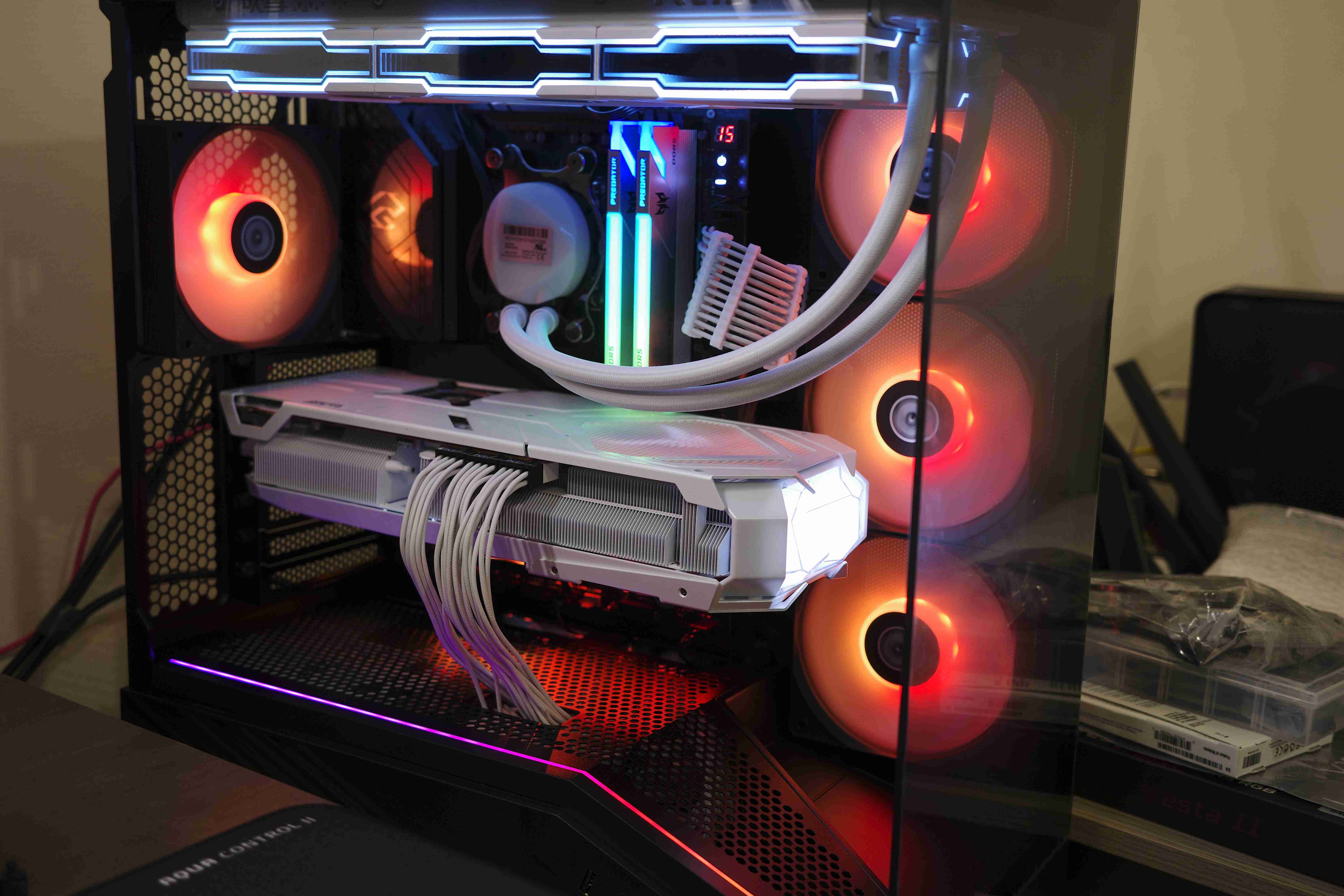
第一次開機,五光十色,別有一番風味。X870 NOVA內斂低調,襯托著隊友的光彩
2025-12-29
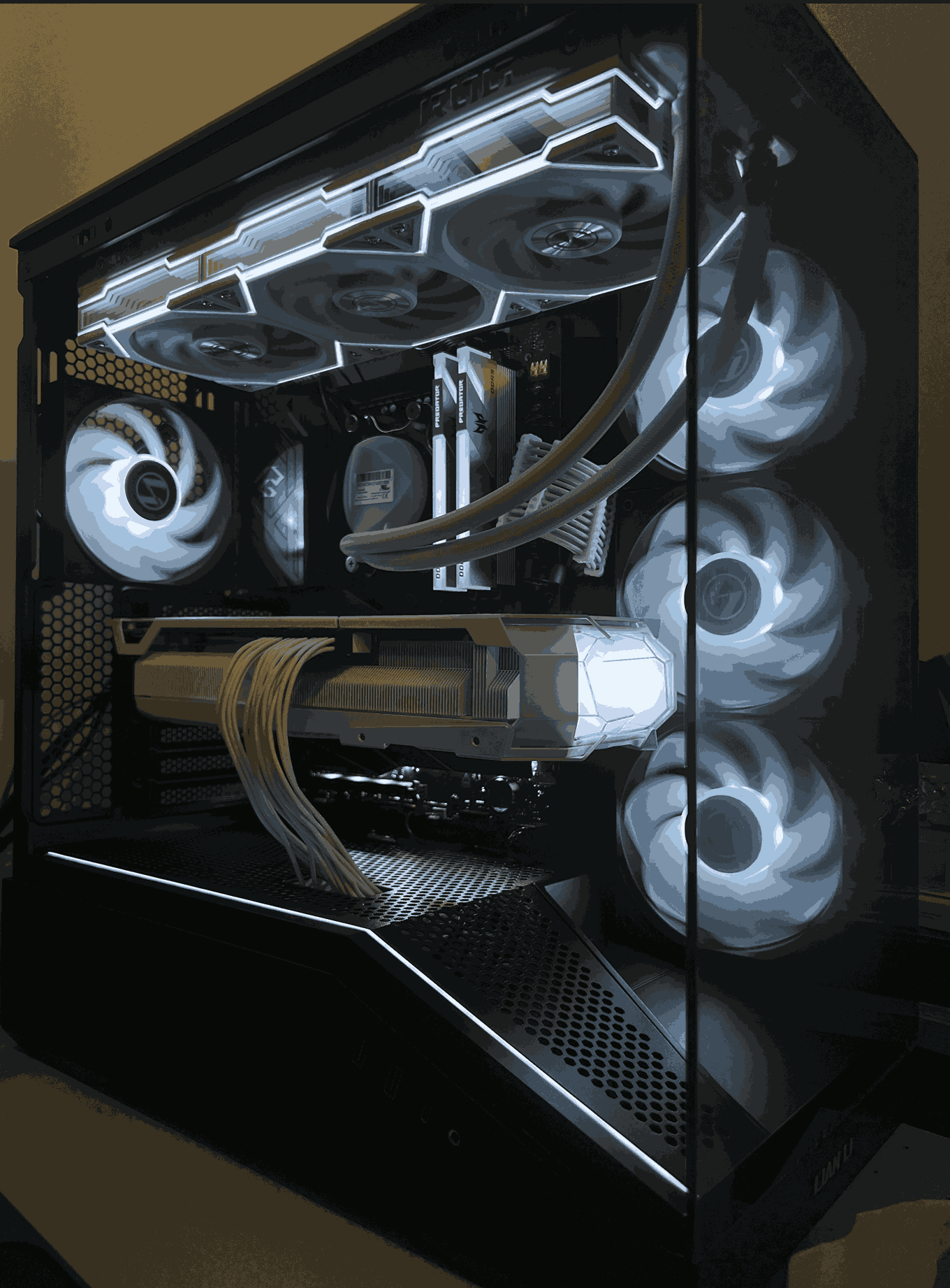
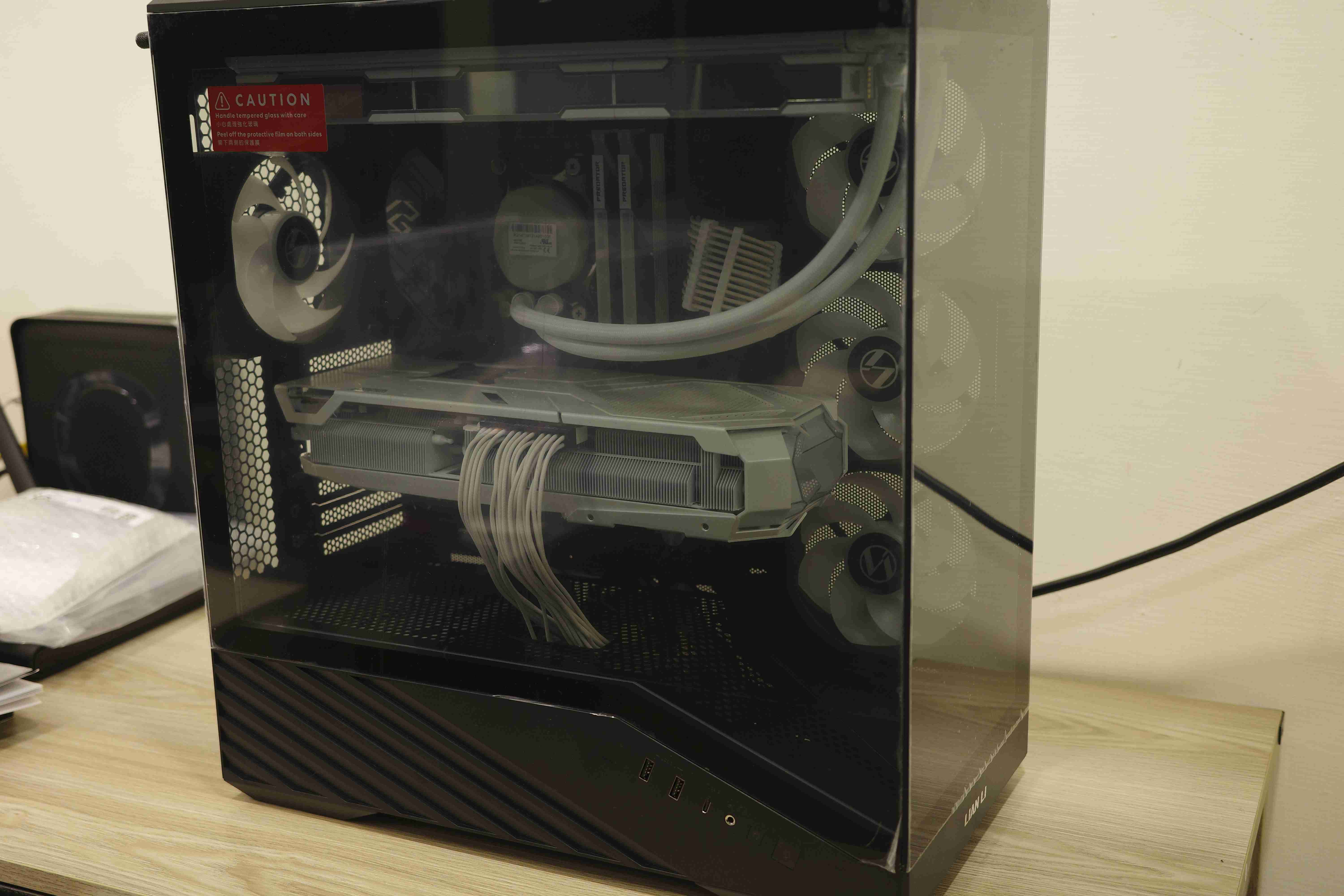
裝機完成!黑白色調,有點想回到X370太極的味道!只不過現在已經進化為X870 NOVA了
2025-12-29
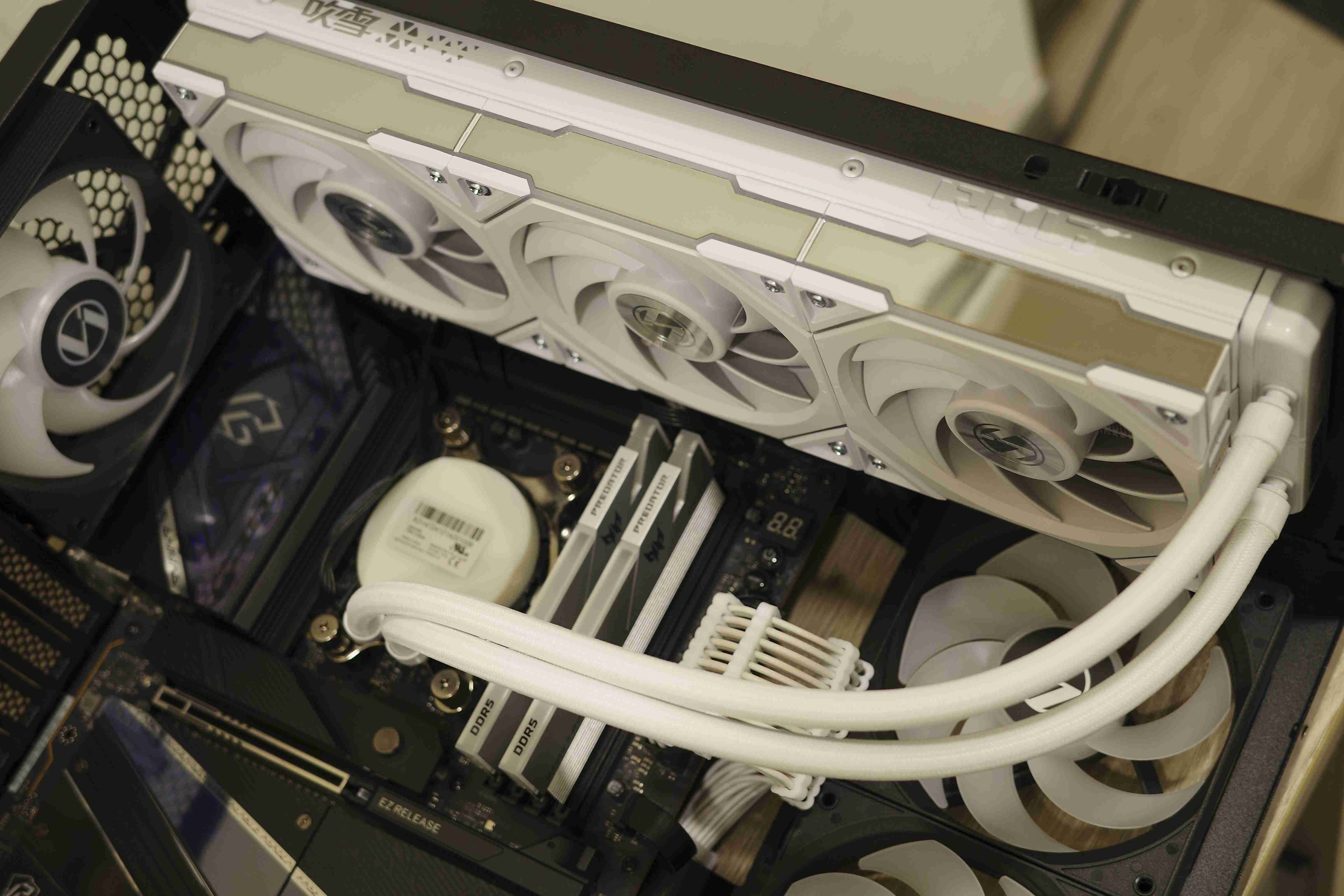
CPU 散熱方面的安裝也沒有問題,整體過程非常順利。主機板提供的4pin PWM接頭充足
2025-12-29
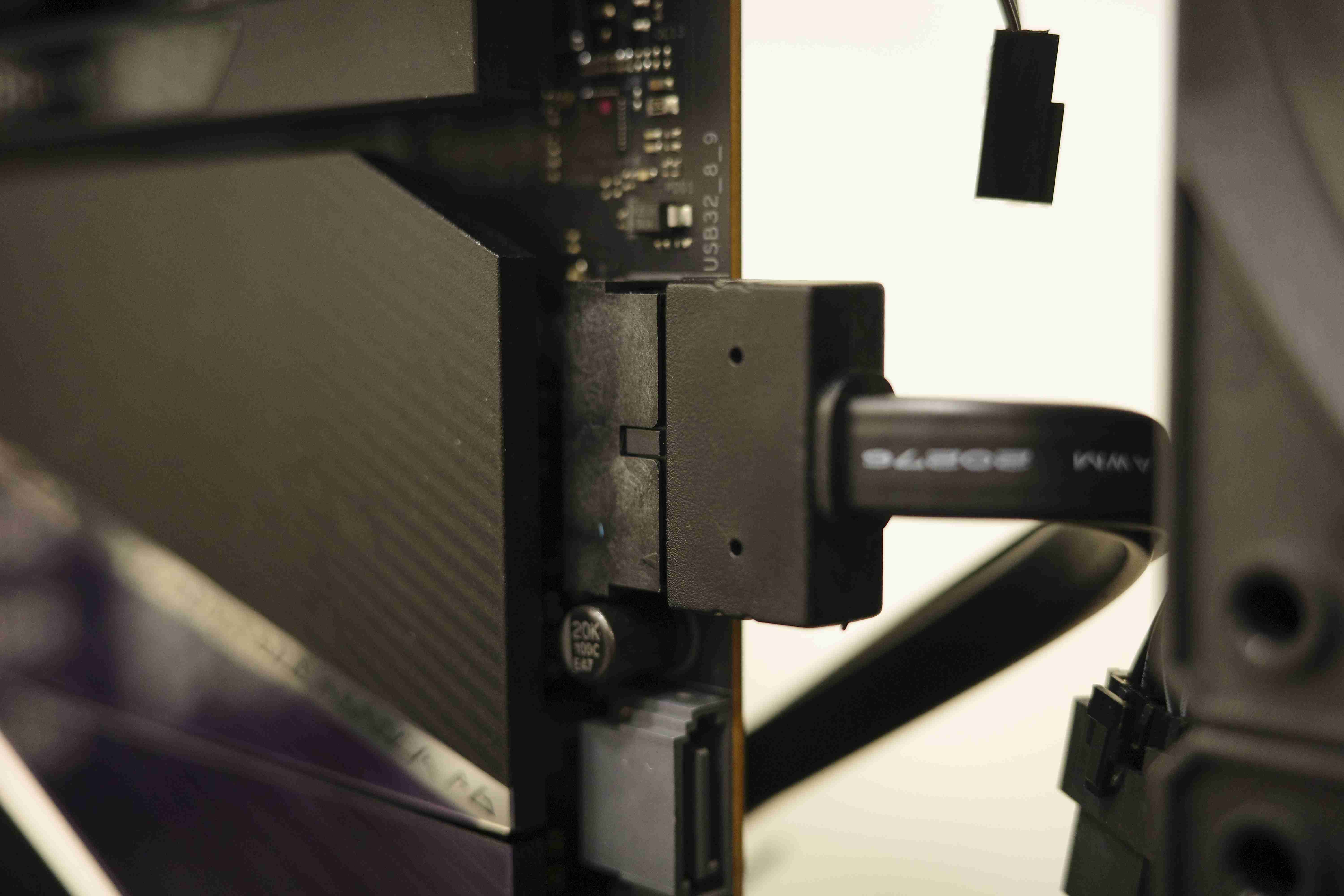
非常好評的水平安裝! 此為機殼前置USB 3.0線材
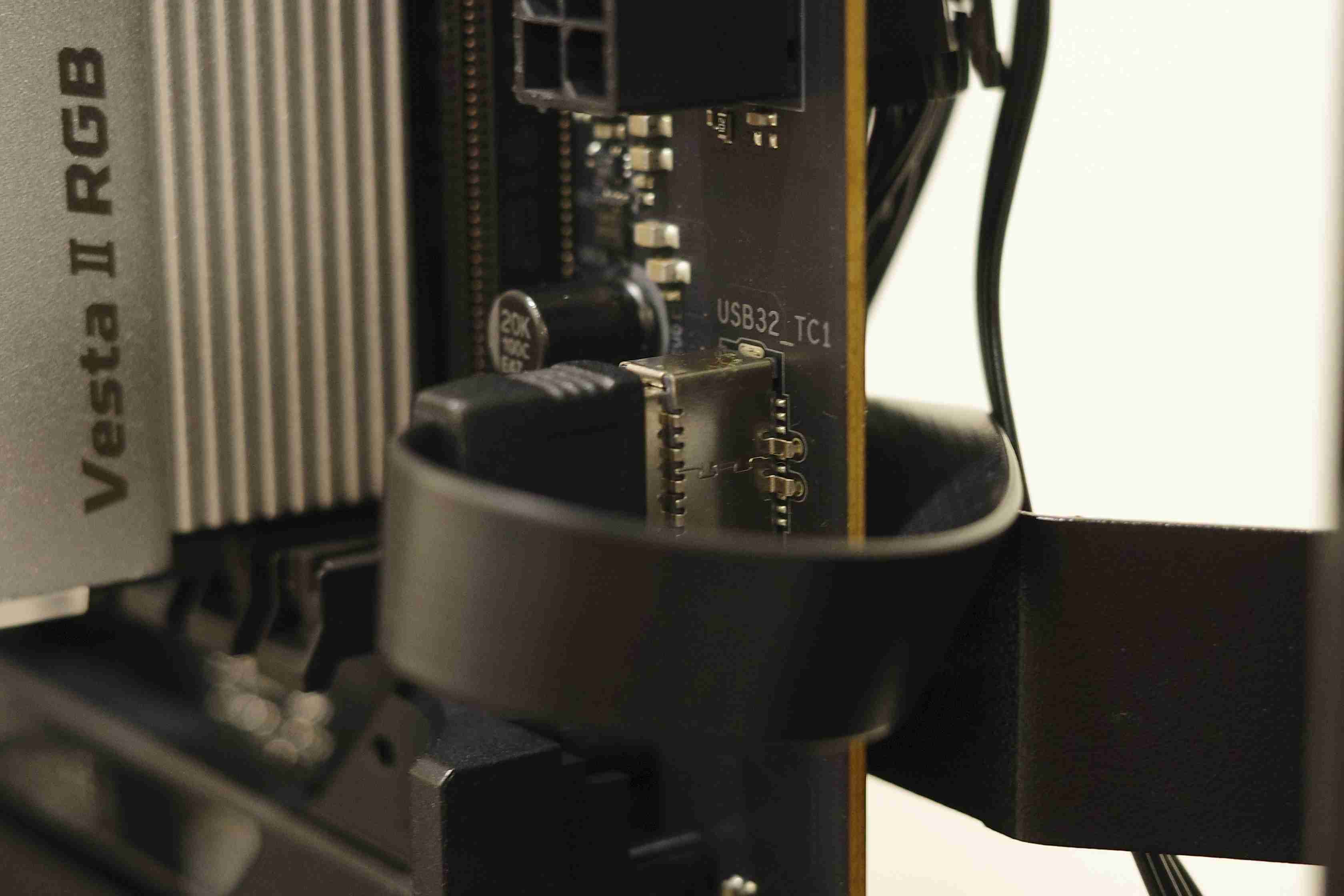
2025-12-29
USB Type C線材往往較粗壯,因此若改為水平安裝會更讚
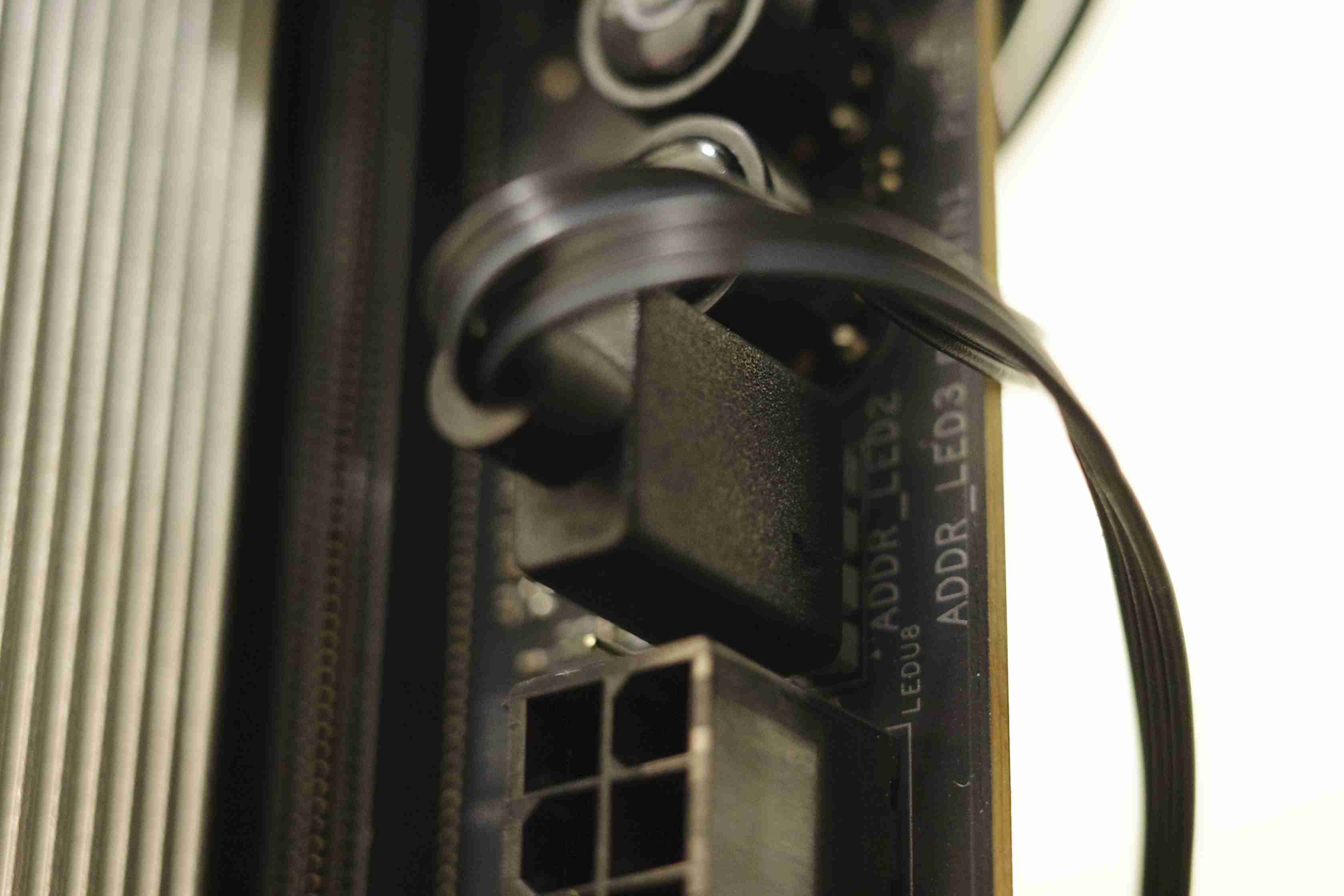
2025-12-29
一些小線材如同ARGB倘若可以水平安裝就更完美了,這樣就不用擔心線材彎曲的問題)
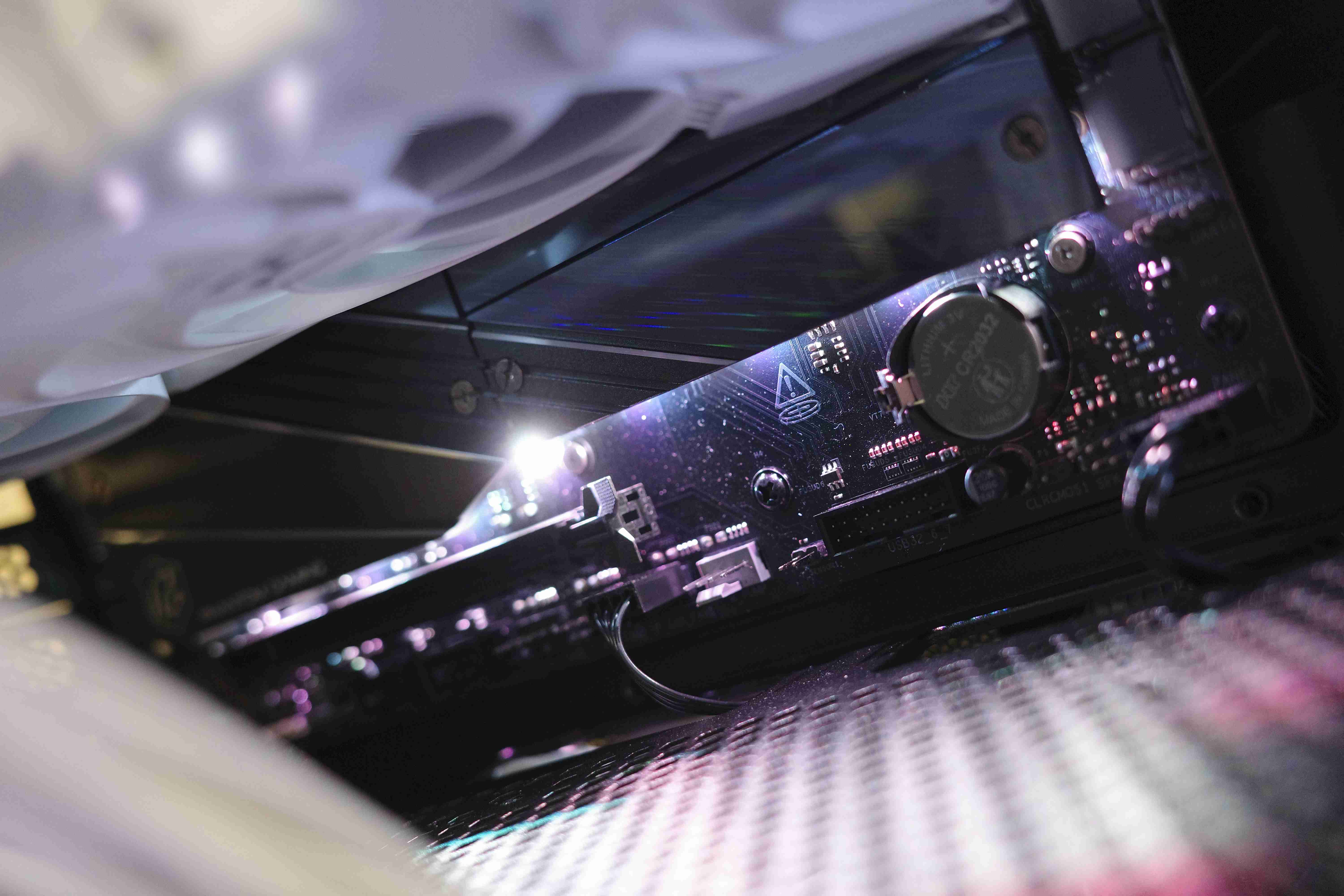
2025-12-29